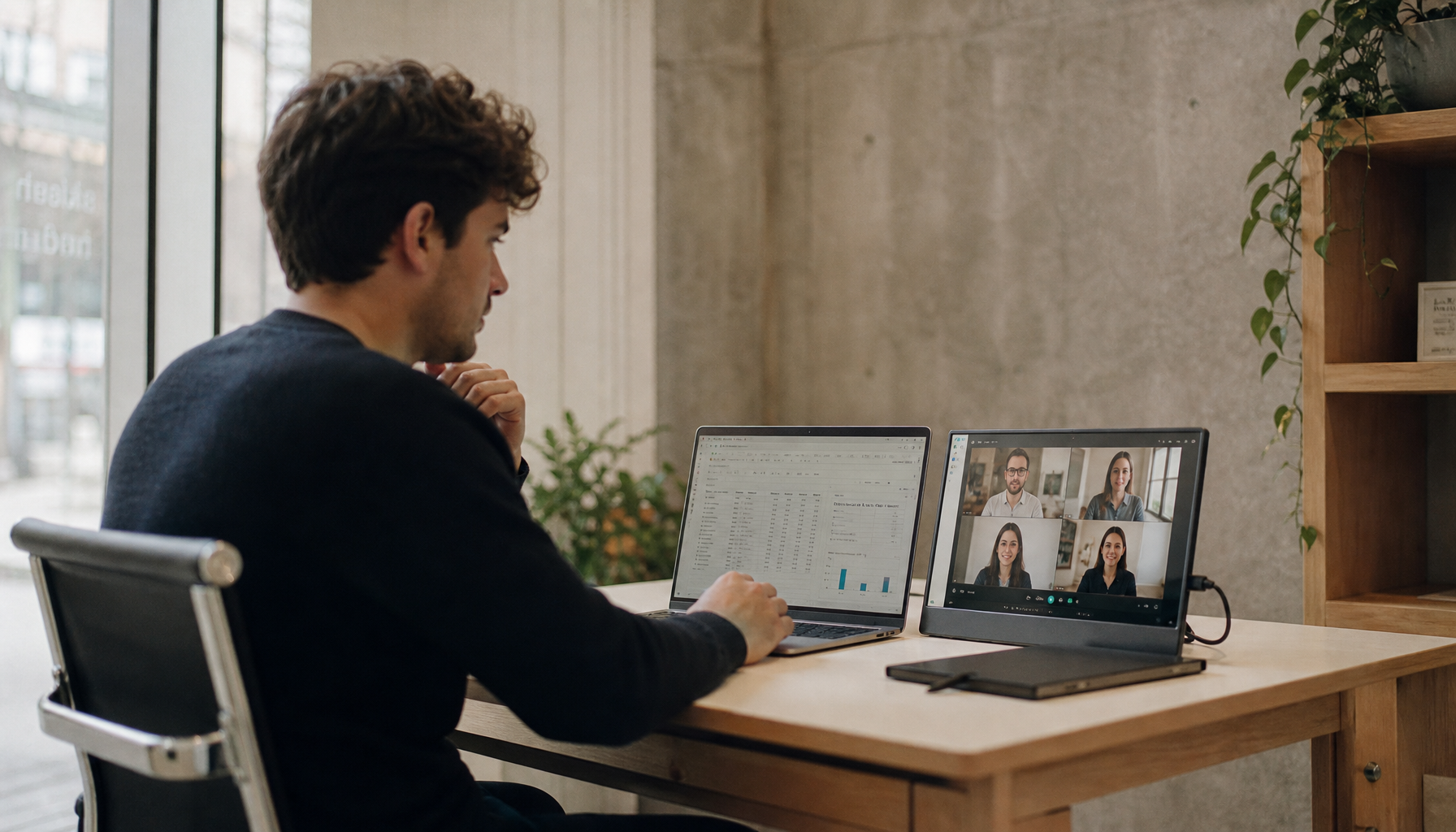
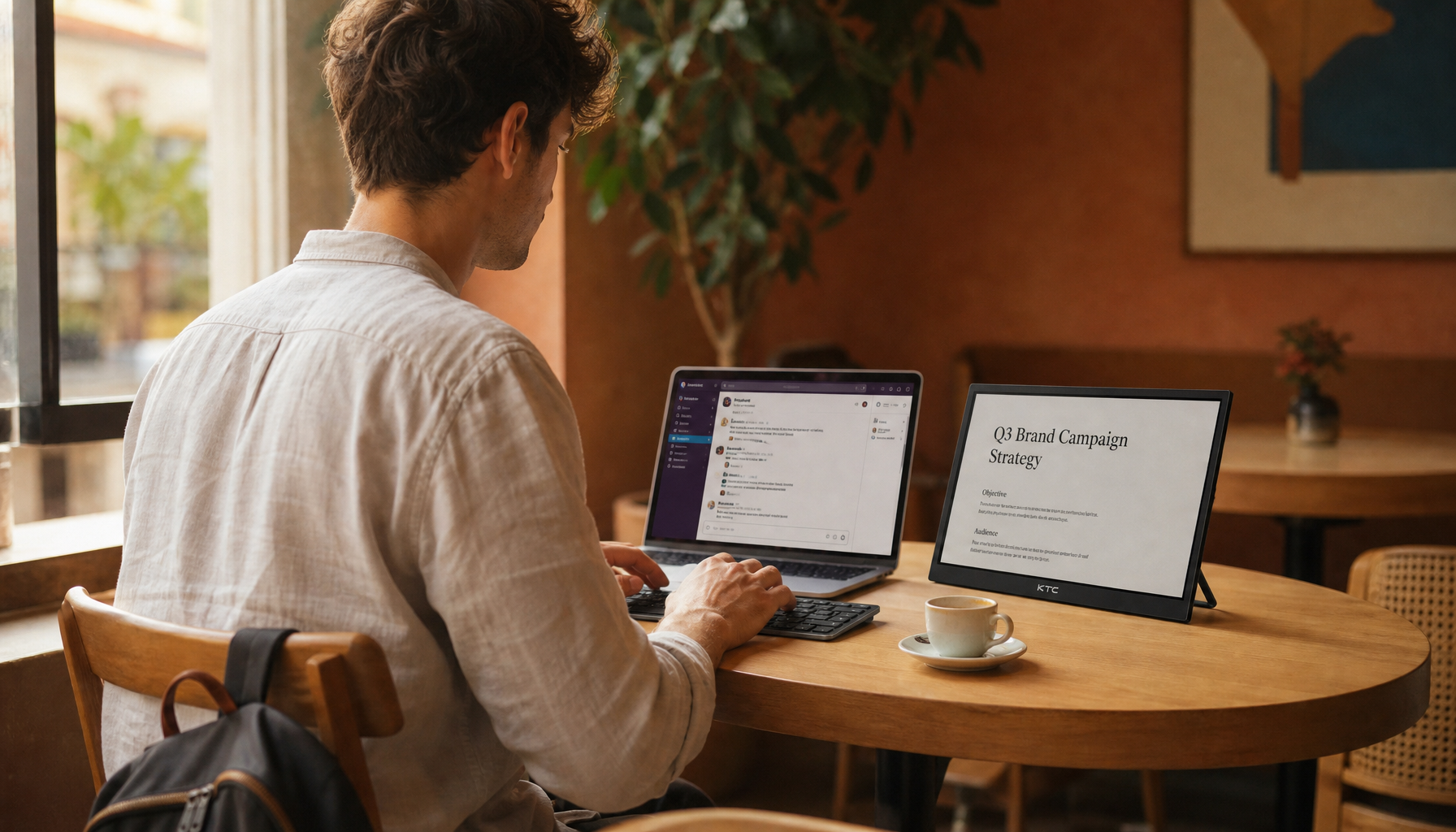
A safe monitor setup protects the display, supports comfortable viewing, and keeps children and pets away from cables, unstable stands, heat, and tempting edges.
Why a Good Viewing Angle Is Not Enough
Most people place a monitor where it looks good from the chair. Families with toddlers, cats, or dogs need a second question: what happens when someone bumps, pulls, climbs, paws, or chews near it?

For the user, screen position still matters. A display should sit around arm’s length away, with the top near eye level, because poor posture can drive neck strain and eye fatigue; Stanford’s posture advice supports keeping the monitor at eye level.
For the household, the monitor must also be outside the grab zone. If a child can reach the bezel, stand, or cable, the display is not placed safely, even if the image looks perfect.

The Hidden Risks: Cords, Edges, Heat, and Tip-Overs
Young children and pets do not interact with a workspace like adults do. A dangling USB-C cable can look like a pull toy. A lightweight portable screen on a kickstand can topple from one table bump. A gaming monitor on a deep stand may overhang the desk just enough to invite trouble.

Pet-safety advice commonly starts with securing loose cords, exposed outlets, toxic items, and small hazards; the same logic applies to display setups where loose cords can create chewing, tripping, or pull-down risks.
Common placement problems include a monitor sitting too close to a desk edge, a power brick hanging freely behind furniture, a portable screen balanced on a couch or bed, or a display facing direct sunlight, heaters, or vents. A high-performance panel needs stable airflow and stable footing. Heat, vibration, and repeated knocks can shorten the life of even a premium screen.
Smarter Placement for Work, Play, and Monitoring
For a permanent desk, use a stable monitor arm or a heavy, wide stand placed fully on the desk surface. Route power and display cables along the rear of the desk, then fasten them so there is no dangling loop within reach.

For gaming, the safest immersive position is usually centered, slightly back from the edge, with the keyboard and controller zone separated from the display zone. That preserves low-latency focus without putting the panel in the path of snacks, elbows, toys, or paws.
For a portable smart screen, avoid soft surfaces. Use a rigid stand on a side table, shelf, or desk, and keep charging cables short and anchored. If the screen is used for child or pet monitoring, camera placement guidance also favors a high, stable, out-of-reach position with clear visibility; baby-monitor guidance recommends keeping devices and cords out of reach.
Monitoring tools can support safety, but they should not become constant surveillance. Use them only when they serve a clear need, and place them in ways that respect privacy.
A Fast Home Display Safety Check
Before you trust the setup, test it like a real household, not a showroom.
- Pull test: No visible cable should move the monitor.
- Bump test: The desk or table should not wobble the screen.
- Reach test: Toddlers and pets cannot touch cords or controls.
- Glare test: Sunlight does not force awkward posture or wash out the panel.
- Heat test: Vents, heaters, and windows are not baking the display.
The ideal placement gives you clean sightlines, ergonomic comfort, and a protected device path. That is where a monitor stops being a fragile object in the room and becomes a reliable, immersive tool the whole home can safely live around.