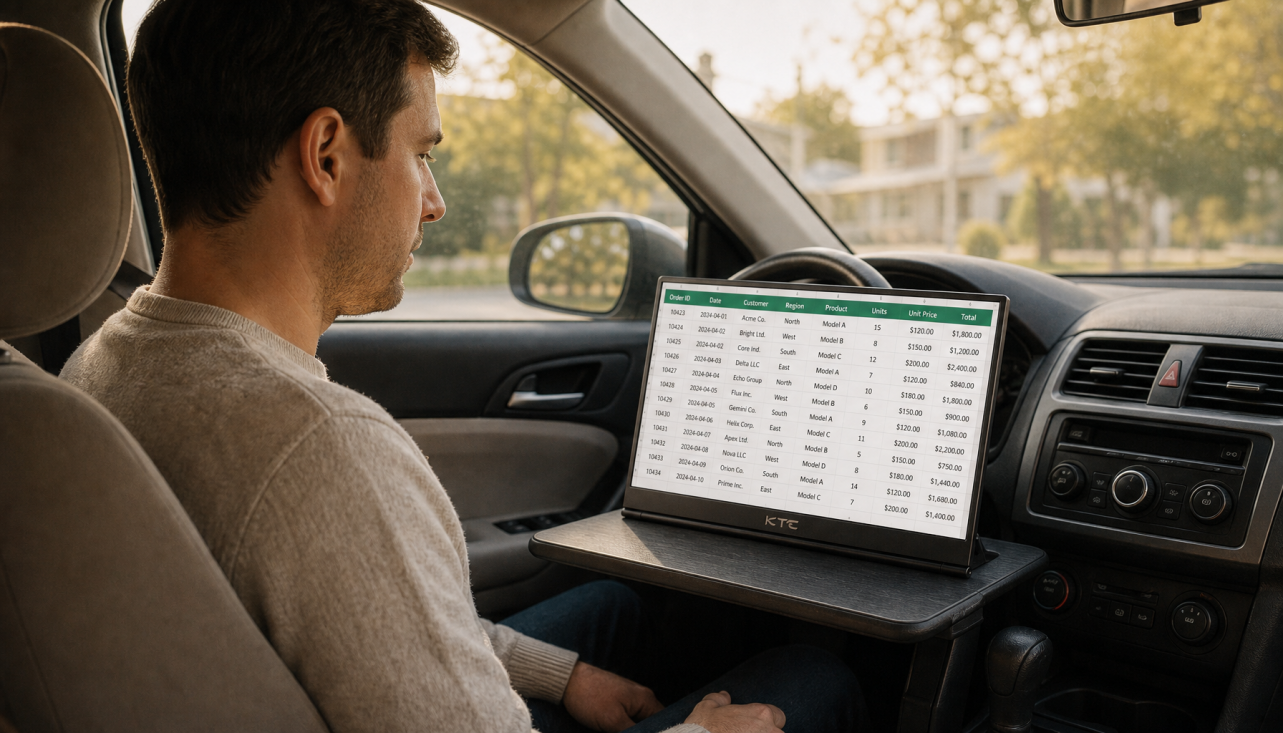
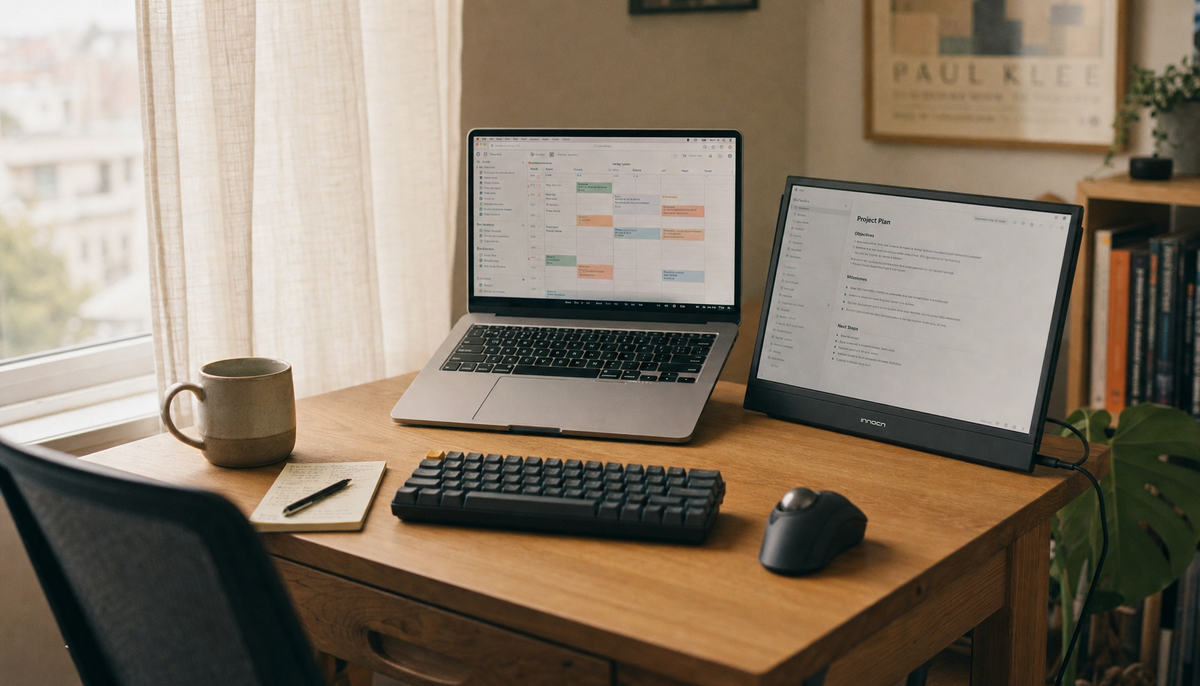
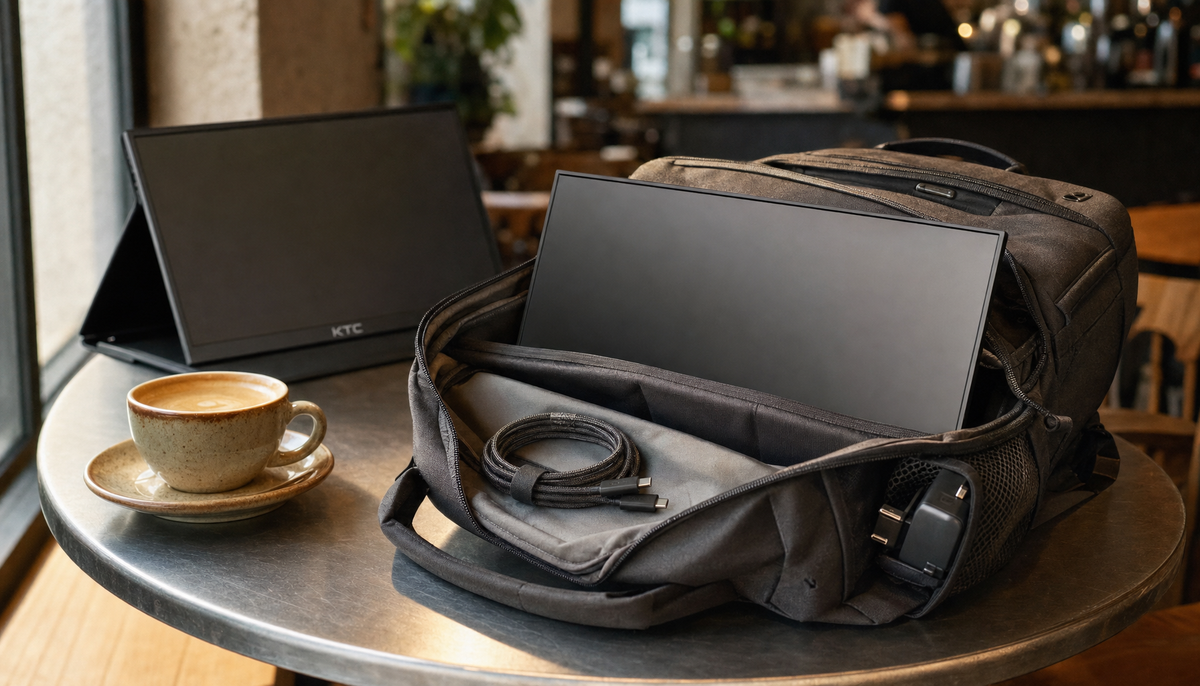
Featured storyHow to Create a Portable Monitor Setup That Fits Inside a Backpack for Daily CommutingA portable monitor setup for daily commuting gives you a second screen anywhere. Get tips on choosing a 14-16" display, using USB-C, and packing a reliable kit.Jun 11, 2026/10 min read
Why Is My Portable Monitor’s Stand Angle Too Steep for Comfortable Viewing on a Lap Desk?A portable monitor stand angle that's too steep on a lap desk creates poor ergonomics. This happens because most stands are for flat desks, not lower, shifting surfaces. Get solutions to correct the tilt for comfortable viewing.Jun 11, 2026/8 min read
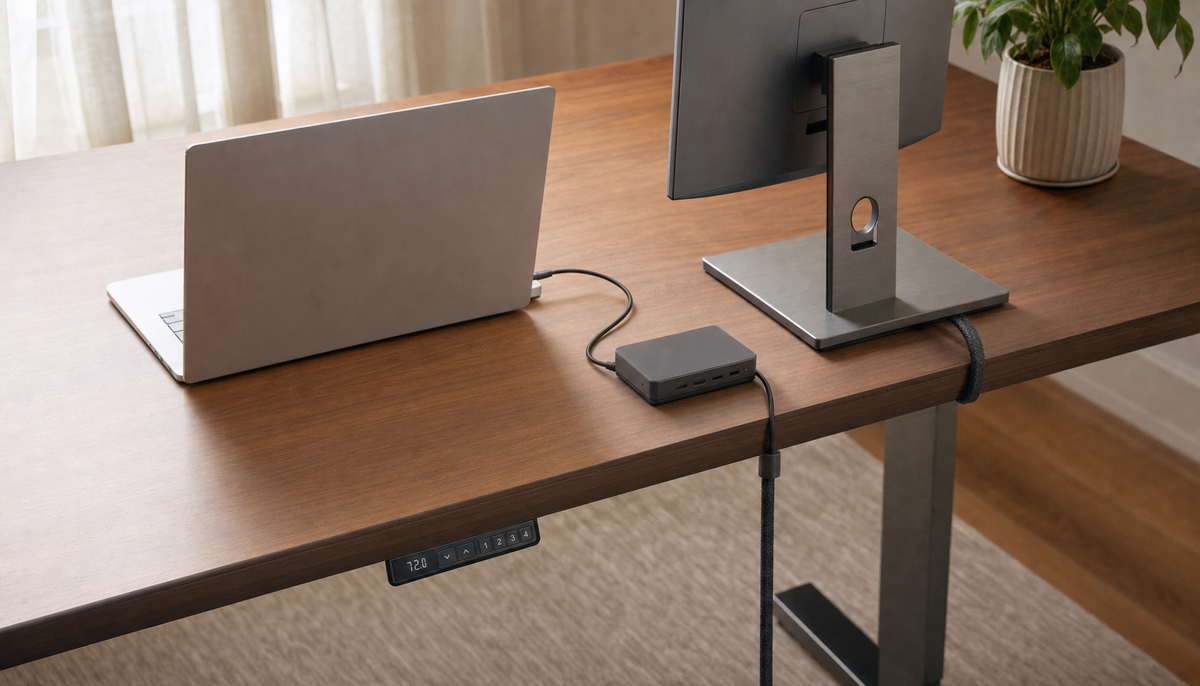
How to Prevent Cable Clutter When Using a Portable Monitor in Shared WorkspacesPrevent portable monitor cable clutter in shared workspaces with these tips. A clean setup starts with the right USB-C cable, smart routing, and a repeatable pack-up routine.Jun 11, 2026/10 min read
One-Screen Apartment Setup With Rolling DisplayA practical guide to using one rolling screen as a flexible apartment setup for work, meals, and downtime. It explains the tradeoffs, the fit checks, and when a rolling display is the better choice.Jun 11, 2026/11 min read
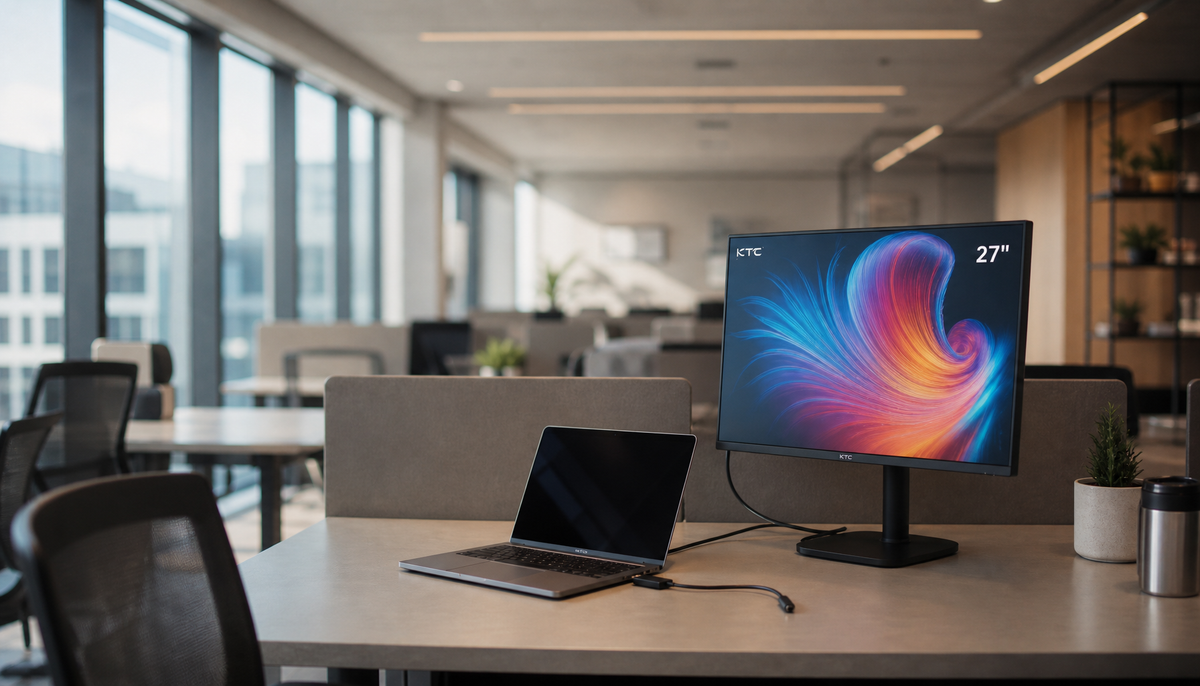
Rolling Displays for Hybrid Office Hot-Desking SetupsA rolling display for hot-desking makes sense when the screen must move between users, rooms, or collaboration zones without turning every handoff into a cable reset.Jun 11, 2026/8 min read
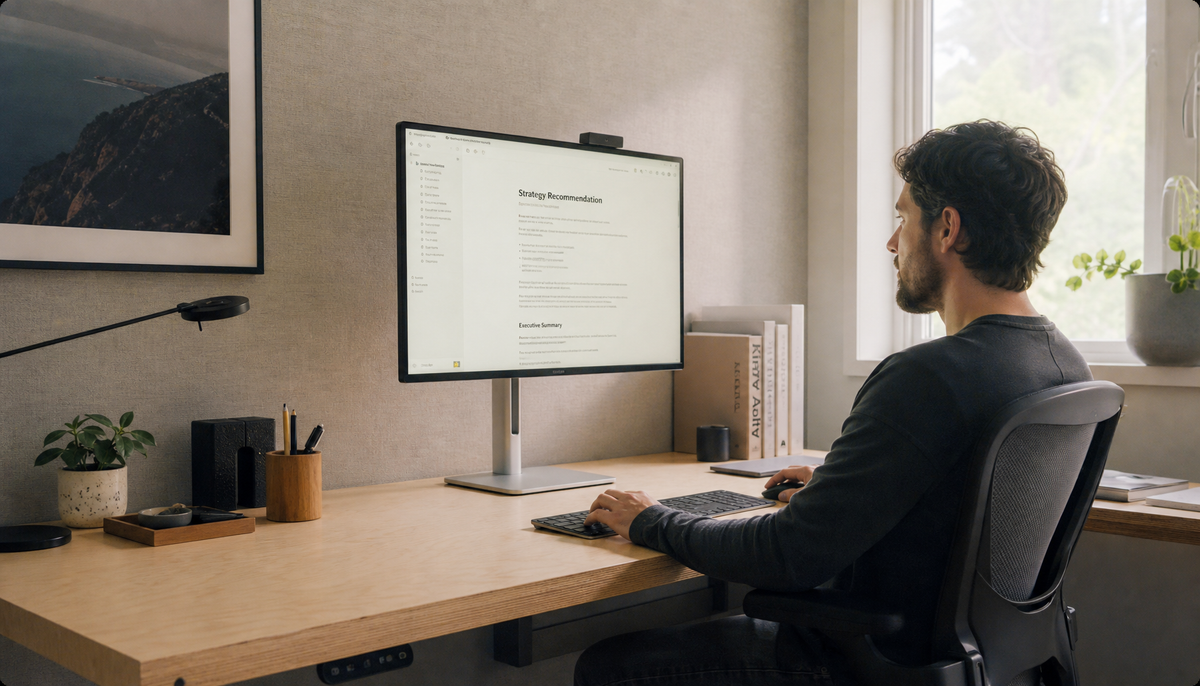
MegPad for Content Creator StudiosMegPad for creators makes the most sense when a small studio needs a display that can roll between review, reference, and presentation zones. This guide explains the workflows, trade-offs, and model differences so you can decide whether the 27-inch or 32-inch setup fits your space.Jun 10, 2026/10 min read
Rolling Smart Displays for Hybrid Home OfficesA rolling smart display makes sense when one screen has to move between work, family, and entertainment without constant re-plugging. This guide covers fit, setup, trade-offs, and the checks that matter before you buy.Jun 10, 2026/12 min read