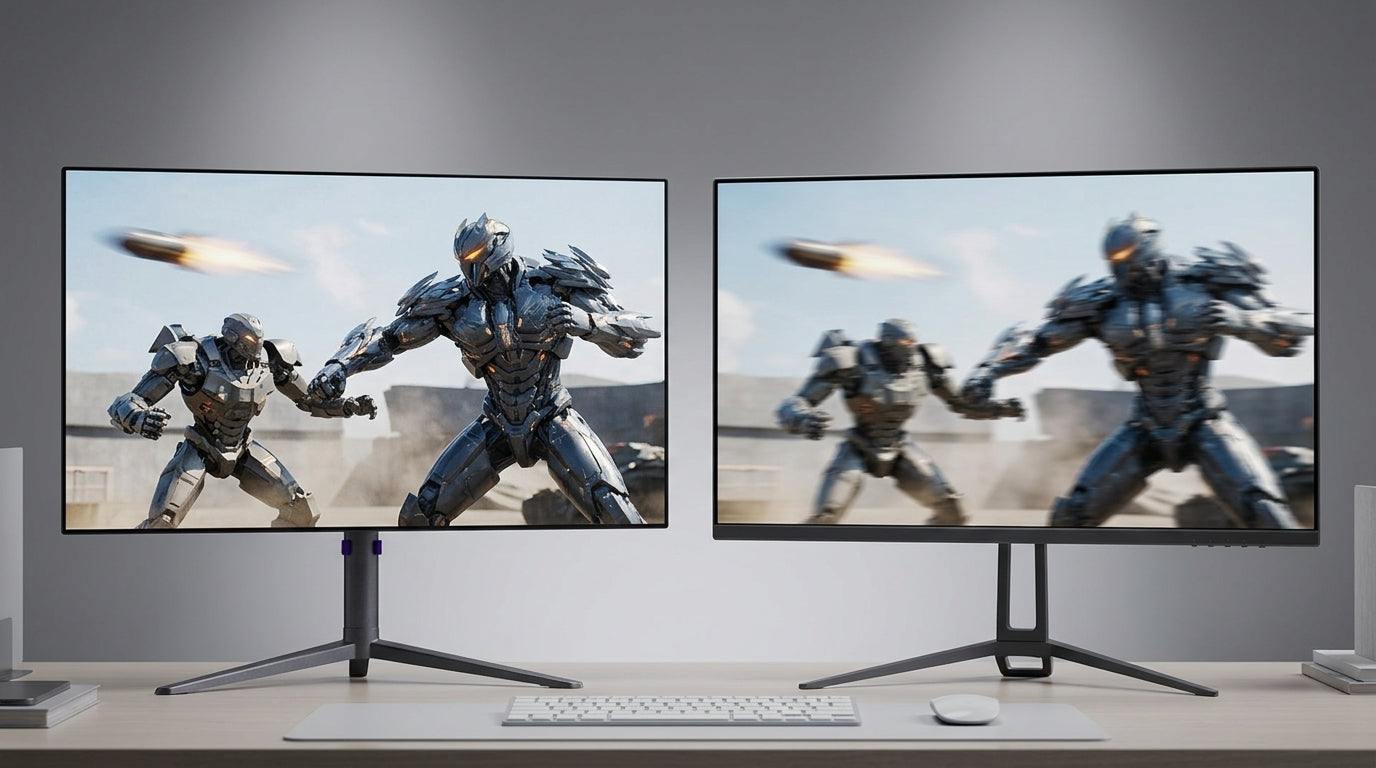
The panel technology inside a gaming monitor determines motion clarity, contrast depth, color accuracy, and long-term usability far more than brand logos or marketing claims. IPS, VA, and OLED each deliver distinct strengths that suit different gaming priorities, and modern evolutions such as Fast IPS and HVA have narrowed several legacy gaps while preserving clear trade-offs.

IPS, VA, and OLED: The Three Pillars of Modern Gaming Displays
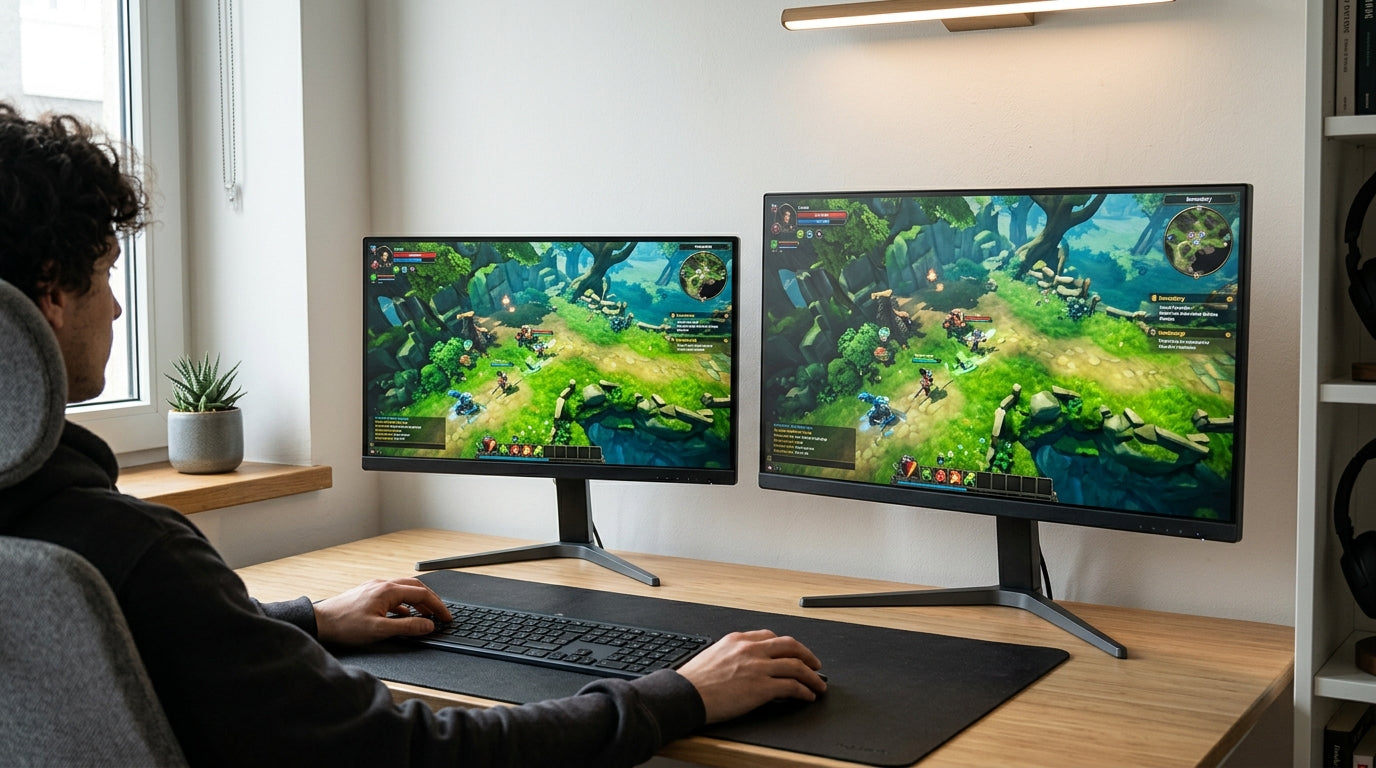
IPS panels align liquid crystals parallel to the screen surface, delivering wide 178-degree viewing angles and stable color from off-center positions. This makes them the default choice for multi-monitor setups and color-critical tasks. VA panels stack crystals vertically to achieve native contrast ratios of 3000:1 to 5000:1, producing deeper blacks than standard IPS without relying on local dimming. OLED panels emit light from individual organic diodes that can switch off completely, creating true black levels and infinite contrast.
Fast IPS and HVA variants improve response times over earlier generations, allowing these LCD options to remain competitive in fast-paced scenes while retaining their core advantages. Manufacturers that control both panel sourcing and assembly can deliver these updated specifications at lower prices than legacy branding typically allows.
IPS vs VA Panels: Which Is Right for Your Playing Style? and The Ultimate Guide to Choosing a Gaming Monitor for Peak Performance explore these fundamentals in greater depth.
Competitive Advantage: Evaluating Motion Clarity and Response Times
OLED panels reach response times around 0.03 ms GtG, removing nearly all motion blur in fast esports titles. Fast IPS and modern HVA panels typically achieve 1 ms GtG, which is fast enough for most competitive play yet still slower than OLED during dark-to-dark transitions.

HVA technology narrows the traditional black-smearing gap that once limited VA panels, though IPS variants continue to edge out in raw pixel transition speed. Gamers who switch between high-resolution productivity and extreme refresh rates can consider dual-mode displays that toggle between 4K at 160 Hz and 1080p at 320 Hz without changing hardware.
How Important is 1ms GTG for Your FPS Gaming? and What Is Monitor Ghosting and How Do You Eliminate It? detail the practical impact of these differences.
Visual Immersion: Contrast, Black Levels, and the HDR Performance Gap
VA panels deliver three to five times the native contrast of standard IPS, preserving shadow detail in dark-room cinematic games. OLED achieves perfect blacks by turning individual pixels off, producing the highest contrast possible without local dimming. Mini-LED backlights on IPS and VA panels use hundreds of dimming zones to approach OLED performance while maintaining higher sustained brightness in well-lit rooms.
The VESA DisplayHDR 1.2 standard defines separate tiers: True Black certification requires near-zero black levels and is currently limited to self-emissive panels, while HDR 1000 and 1400 tiers emphasize peak luminance for bright highlights on LCD displays. Choosing between these tiers depends on whether your room stays dark or receives ambient light above roughly 300 lux.
HDR Visual Impact by Panel Type
Tiered comparison of static contrast, peak luminance, and VESA DisplayHDR certification across IPS, VA, Mini-LED, and OLED panels.
Show table
| Panel Type | Static Contrast Score | Peak Luminance (nits) | VESA Tier Score |
|---|---|---|---|
| Standard IPS | Low (1000:1) | 400 | HDR 400 |
| VA | High (3000-5000:1) | 450 | HDR 600 |
| Mini-LED IPS/VA | Very High (1M:1 effective) | 1000-1400 | HDR 1000/1400 |
| OLED | Infinite | 600 sustained | True Black |
MiniLED vs. OLED: Which Display Technology Wins for Gaming in 2025? and Mini-LED IPS vs. Standard IPS: Is the Advanced Backlight Worth the Upgrade? compare these HDR approaches in everyday gaming.
Real-World Tradeoffs: Navigating Burn-in, Ghosting, and the "Toggle Tax"
OLED monitors now include pixel-shifting and thermal management that reduce burn-in risk, yet static desktop elements such as taskbars still require deliberate avoidance or dark-mode workflows. Mini-LED panels avoid this concern entirely but often need manual toggling of local dimming to prevent halo artifacts around bright text during productivity work.
Text clarity remains strongest on IPS and Mini-LED IPS panels, making them preferable for users who spend several hours reading or coding alongside gaming. In rooms above 300 lux, OLED contrast advantage diminishes because ambient light reflections and lower sustained brightness wash out dark details that Mini-LED can maintain.
The 2026 Buying Guide: Mapping Panel Types to Your Gaming Priorities
At the $500–600 price point, buyers typically face a clear choice: high-end Mini-LED models deliver strong HDR and zero burn-in anxiety, while entry-level OLED panels offer superior motion clarity and perfect blacks for dark-room use. Esports-focused players benefit most from OLED or Fast IPS response times, while cinematic single-player games reward OLED or high-contrast VA panels. Hybrid users who alternate between bright offices and evening gaming often prefer Mini-LED IPS for its balance of brightness and maintenance simplicity.
The KTC OLED 27" 2K 240Hz/0.03ms USB-C Gaming Monitor | G27P6 represents the OLED category with near-instant response and true blacks. The KTC Mini LED 27" 4K 160Hz HDR1400 Gaming Monitor | M27P6 showcases Mini-LED performance for users who want high peak luminance without burn-in risk. The KTC 27" 2K 200Hz/210Hz HDR400 Gaming Monitor | H27T22C-3 illustrates Fast IPS value for competitive 1440p play.
Before purchasing, measure typical room lighting, count daily static-content hours, and decide whether frequent OSD adjustments feel acceptable. These three checks usually determine the best panel match more reliably than raw specification sheets.
Frequently Asked Questions
Which Panel Type Offers the Lowest Motion Blur for Esports?
OLED panels achieve the lowest motion blur with response times near 0.03 ms GtG, followed closely by Fast IPS models that reach 1 ms GtG. VA panels, even with HVA improvements, still show slightly more dark-level smearing in rapid transitions.
Does OLED Burn-in Remain a Practical Concern in 2026?
Modern mitigation features such as pixel shifting and automatic pixel cleaning reduce risk, yet static UI elements displayed at high brightness for many hours daily can still cause permanent retention on some units. Users who run spreadsheets or coding environments for extended periods often prefer Mini-LED to avoid ongoing precautions.
How Does Room Lighting Affect OLED Versus Mini-LED Performance?
Above approximately 300 lux, ambient light reflections and OLED brightness limits reduce the visible contrast advantage, while Mini-LED panels maintain higher sustained luminance and remain clearer in bright environments.
Is VA Still Relevant for Modern Gaming Monitors?
High-performance VA panels deliver excellent native contrast for dark-room cinematic gaming and have improved motion clarity enough to support 180 Hz+ refresh rates, making them suitable when budget or immersion priorities outweigh the need for perfect viewing angles.