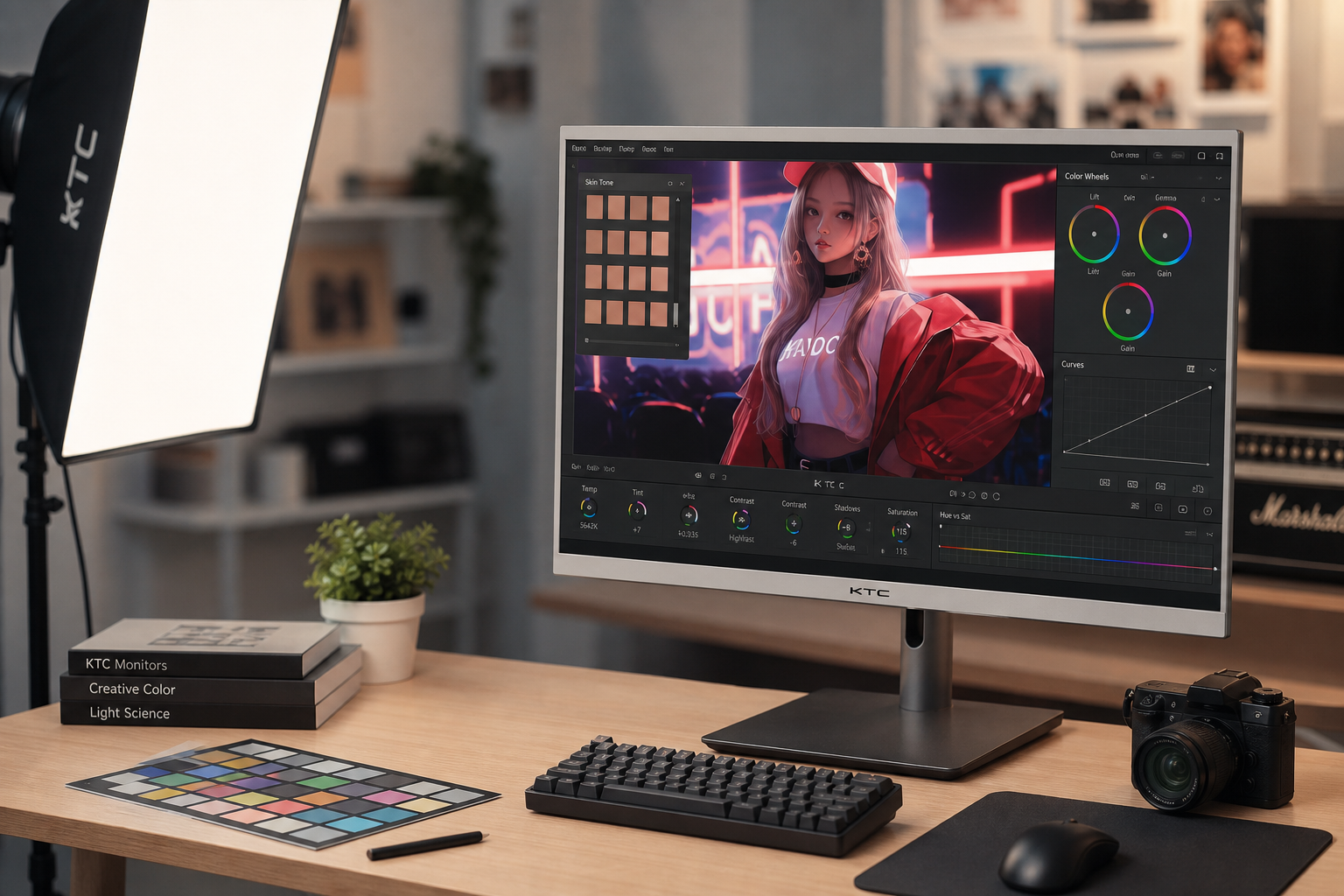
Display contrast controls how clearly you can see small tone differences while dodging and burning. If your monitor crushes shadows or clips highlights, subtle skin shaping can look clean on your screen but harsh, muddy, or uneven elsewhere.
Why Contrast Decides Retouching Precision
Dodge and burn is selective lightening and darkening used to shape volume, smooth uneven tones, and guide attention in a portrait. The technique depends on reading tiny transitions across cheeks, under-eyes, forehead shine, jawlines, and catchlights.

A display with stronger native contrast makes those transitions easier to separate. In practical monitor terms, higher contrast ratios generally create deeper blacks and brighter whites, giving your eyes more room to judge tonal steps.
That matters because portrait retouching is rarely about dramatic edits. A good dodge pass may lift a shadow only slightly, while a burn pass may soften a bright pore or wrinkle without erasing skin texture.
Low Contrast Hides Problems Until Export
On a low-contrast screen, midtones can compress together. Skin may look smoother than it really is, so you push the brush harder to see progress.
Then the file opens on a better display and the retouch looks overworked: cheekbones too bright, under-eye shadows too gray, and skin texture flattened. This is especially risky in black-and-white portraits, where color distractions disappear and light and shadow carry more of the expression.

The same problem works in reverse. If a monitor exaggerates contrast, you may under-retouch because every pore and shadow looks more intense than it will on a typical office display, laptop, or portable screen.
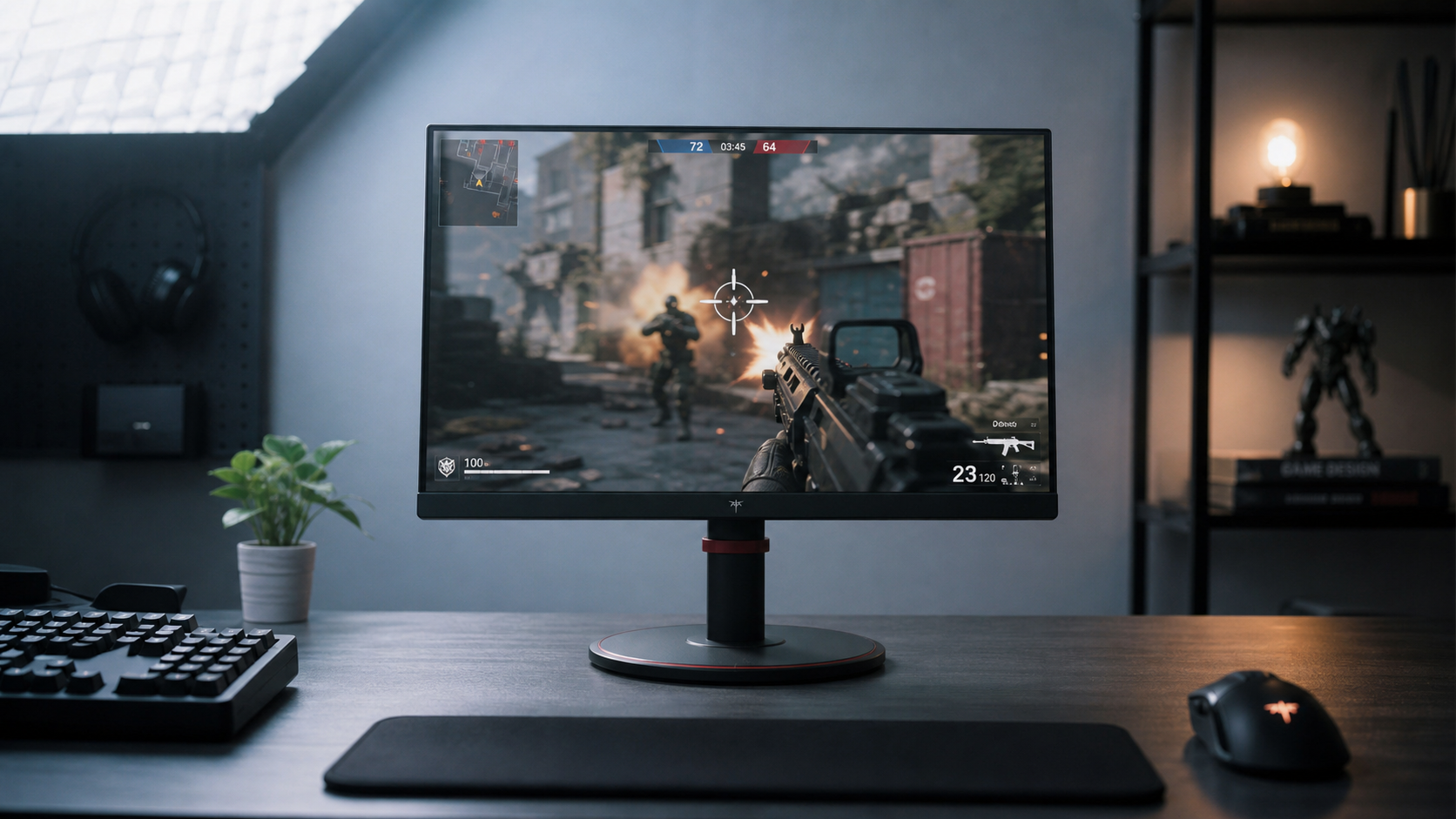
High contrast is useful only when it preserves detail. Crushed blacks and blown whites are not precision; they are missing information.
High Contrast Helps, But Calibration Wins
A strong display gives you a performance advantage, but settings matter more than spec-sheet claims. Contrast set too high can clip highlight detail, while brightness set too low can hide dark gray transitions.
For portrait dodge and burn, aim for a reliable working view:
- Use native resolution for clean skin texture.
- Set brightness to match room lighting.
- Avoid maximum contrast if highlights lose detail.
- Work at 100% zoom for texture checks.
- Toggle before and after views often to catch overcorrection.

The goal is not the punchiest image. It is a stable tonal reference that lets you make small, repeatable decisions.
For most portrait editors, a quality IPS or OLED display with consistent viewing angles is more useful than a cheap panel with inflated dynamic contrast claims. If your screen shifts tone when you move your head, subtle face shaping becomes guesswork.
A Better Dodge and Burn Workflow for Portraits
Start with exposure as close as possible in-camera. Solid capture gives your monitor real tonal data to show, and sharp focus keeps skin detail from turning into editing noise.
In your editing app, build dodge and burn gradually. A non-destructive workflow with Curves or soft-light layers gives more control than painting directly on the image, and low brush intensity helps prevent visible strokes.

Use a display-aware routine: make broad face-shaping changes first, refine medium transitions, then fix tiny blemish-level tone interruptions. After each pass, lower the layer opacity slightly and ask whether the portrait still looks human at normal viewing size.
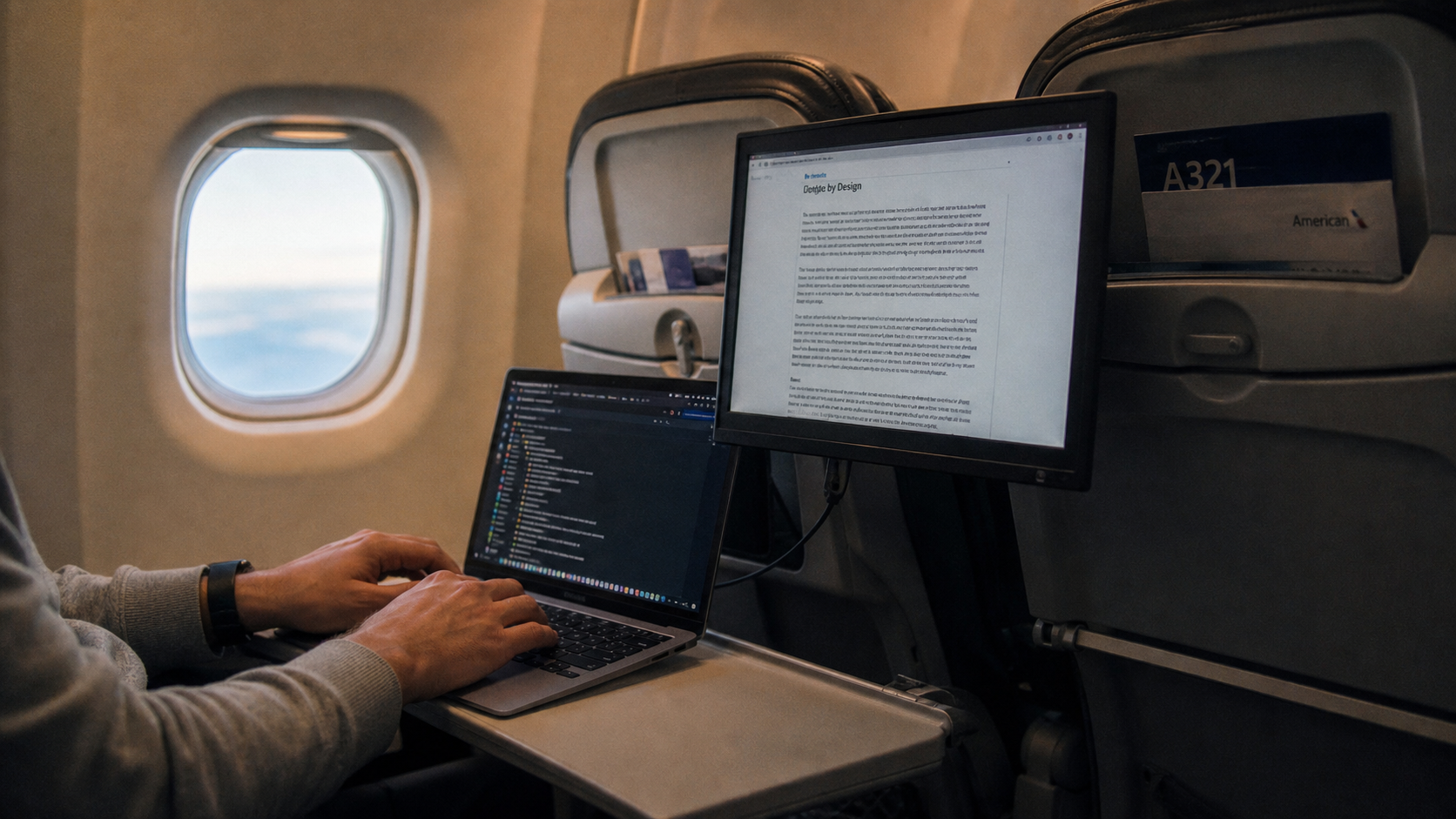
For the final check, view the image on at least one secondary screen if possible: a laptop, office monitor, or portable smart screen. If the dodge and burn still feels natural across displays, your contrast decisions are working.