Dynamic contrast can make games look punchier, but it often trades stable visibility and responsiveness for a more dramatic image.
What Dynamic Contrast Actually Does
Dynamic contrast is a scene-by-scene image adjustment. Instead of keeping brightness and gamma steady, it changes them in real time as the picture changes.
That can be useful as a software processing feature that boosts perceived contrast, but it is not the same as better native contrast from the display hardware. In other words, a monitor can look more dramatic without actually becoming more capable.
Where It Helps in Games
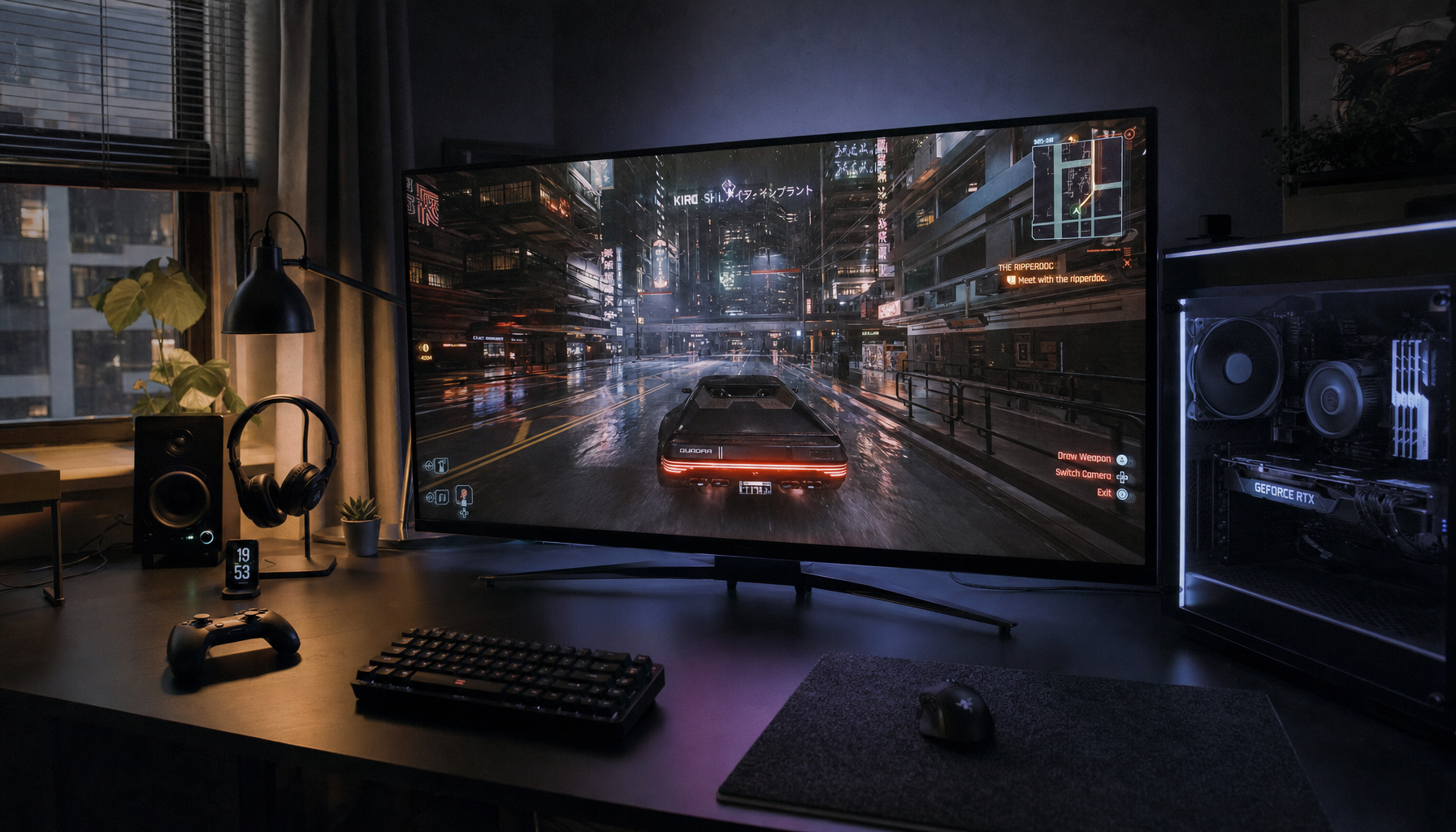
The main upside is immersion. In cinematic single-player games, darker rooms can look deeper, explosions can look sharper, and older or washed-out content can gain visual punch.

It can also help in a bright room where the screen is fighting ambient light. A stronger contrast curve can make the image stand out a little more, especially on displays that otherwise look flat.

Why Competitive Players Usually Turn It Off
For fast games, dynamic contrast is usually a net negative. The extra processing can add input lag, and the image can shift enough to make timing and visibility less consistent.
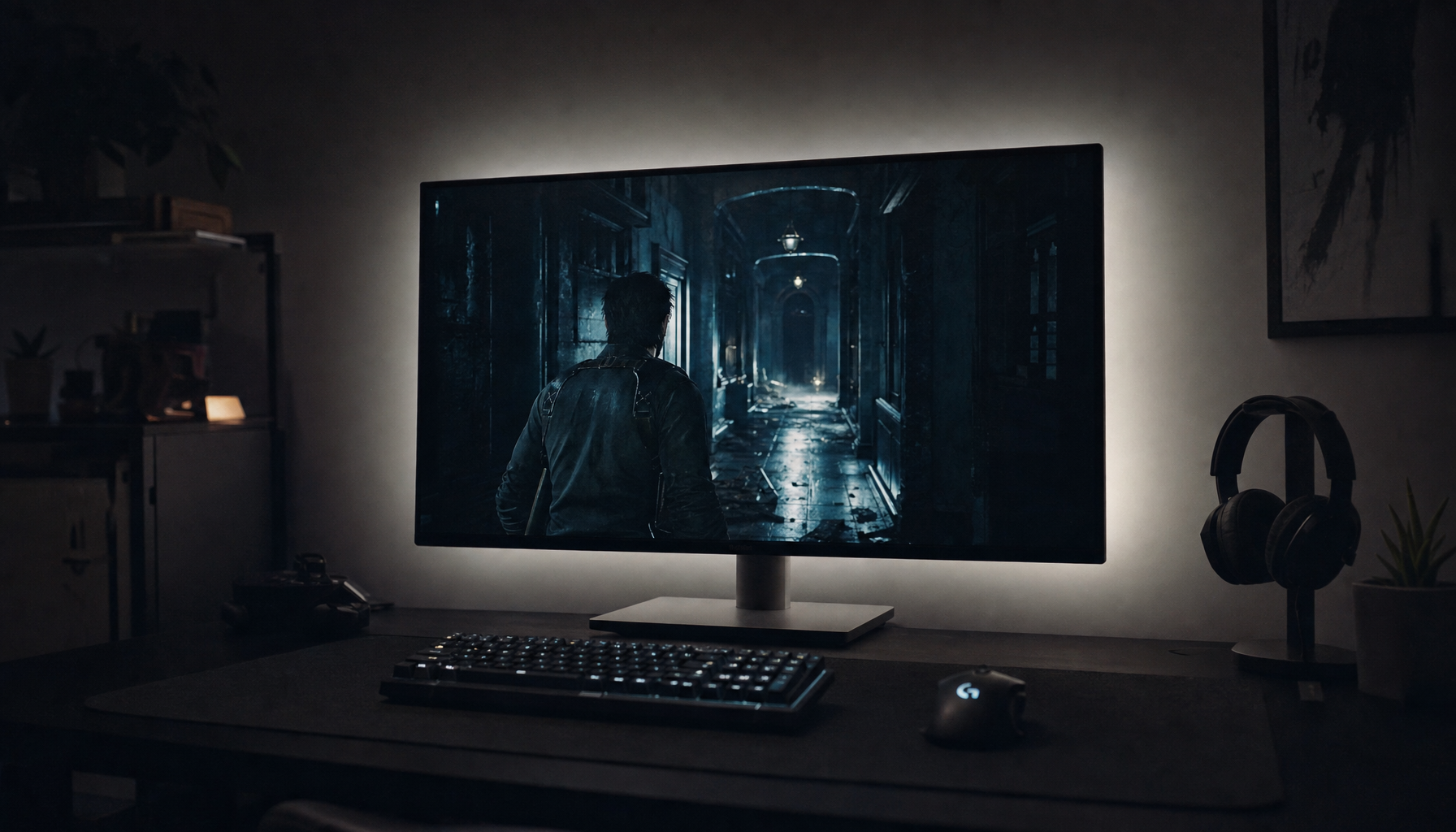
It can also crush shadow detail or clip highlights. That matters in shooters, racing games, and anything where you need to read a dark corner or spot a bright target without the display adjusting too aggressively.

A useful rule of thumb: if the setting is changing the picture more than your game is, it is probably getting in the way.
Best Use Cases and Safer Settings
Use dynamic contrast only when you want style over precision. For most gaming setups, especially on modern HDR-capable screens, the better default is to leave it off and tune brightness, gamma, or HDR properly instead.
If your display offers true hardware dimming or pixel-level black control, that is different from generic contrast enhancement. The hardware approach preserves image detail far better than a heavy-handed software effect.

- Leave it off for competitive FPS, fighting games, and latency-sensitive play.
- Try a low setting only for casual single-player games in a bright room.
- Turn it off if dark scenes lose detail or bright effects look blown out.
- Prefer real HDR, local dimming, or better panel contrast over gimmicky contrast boosts.
The Bottom Line
Dynamic contrast can make a game look more dramatic, but it rarely improves the actual gaming experience for serious play. If you care about clarity, responsiveness, and predictable motion, a stable image and strong native contrast are the better investment.