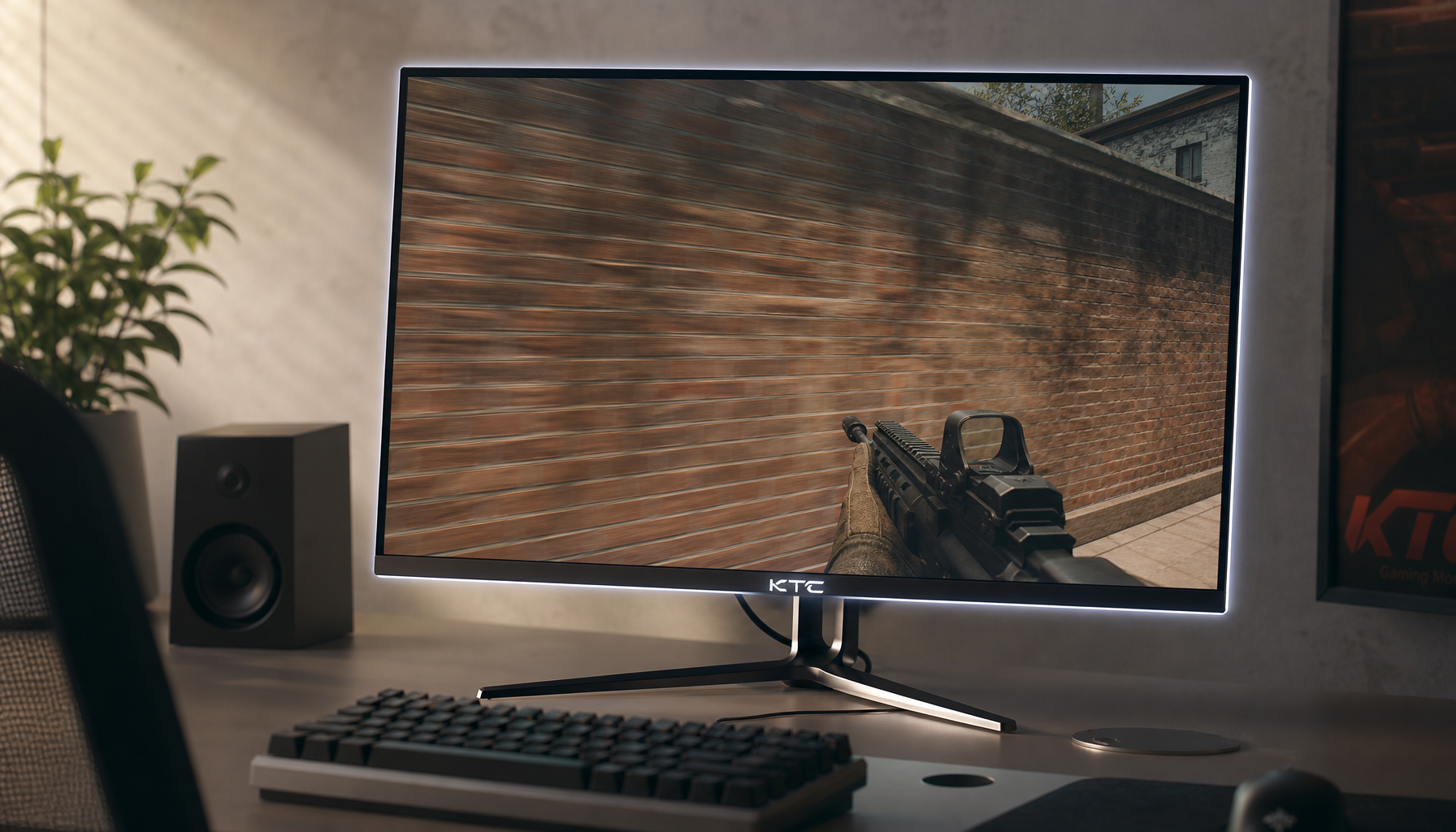
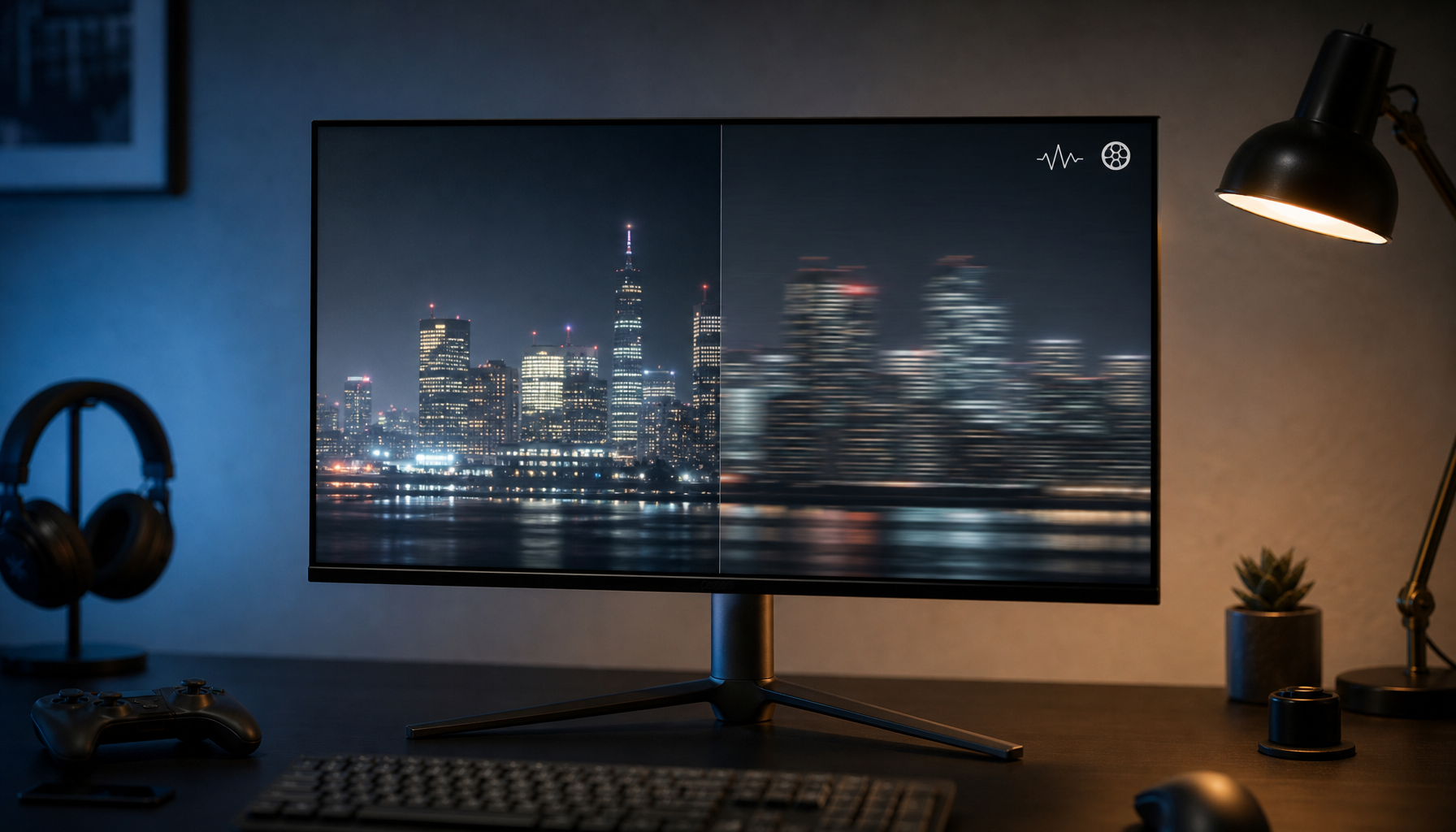
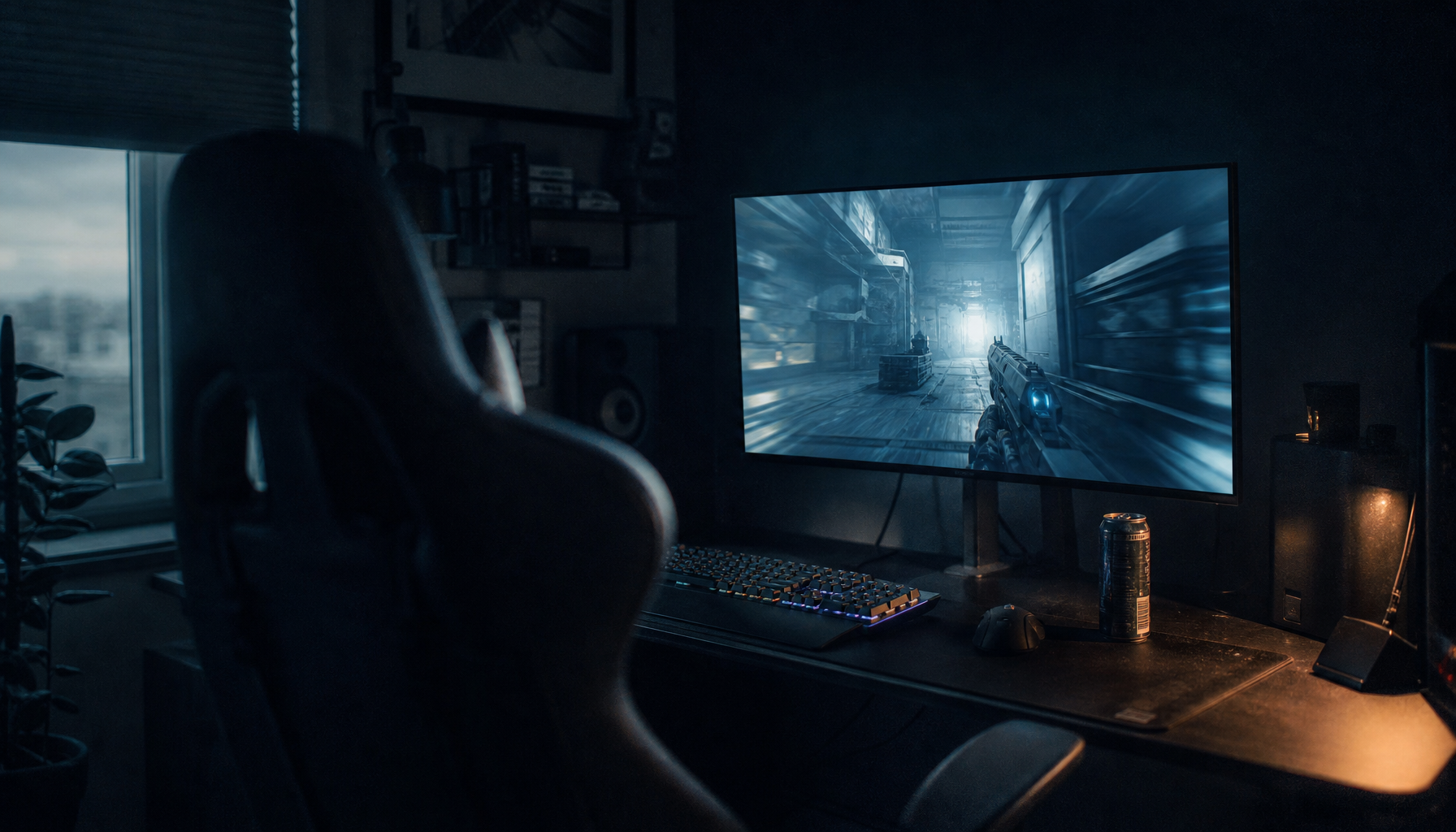
Screen coating changes how room light behaves on the panel, which directly affects whether blacks look deep, hazy, gray, or mirror-like. In controlled lighting, glossy and semi-glossy coatings usually make blacks look cleaner; in bright rooms, a good matte coating can make dark content easier to see by reducing distracting reflections.
Why Coating Changes the Way Black Looks
A display’s black level is not only about OLED vs. LCD or contrast ratio. It is also about reflected light sitting on top of the image.
Glossy coatings reflect light more directly, so blacks can look inky when the room is dim. But if a lamp, window, or bright shirt reflects back at you, that same black scene can become hard to read.

Matte coatings use surface diffusion to spread reflections across the screen. That reduces mirror-like glare, but the tradeoff is a lighter veil over dark scenes. This is why matte screens often feel more practical in bright rooms, while glossy screens look more dramatic in controlled setups, as explained in this matte screens.
Glossy: Deeper Blacks, Higher Risk
Glossy and semi-glossy coatings preserve more perceived contrast because they add less surface haze. For gaming, movies, and OLED desktop setups, that can make shadows look denser and colors feel more saturated.
The problem is consistency. A glossy monitor can look excellent at night and compromised at noon. If your setup faces a window or uses overhead lighting, black areas may turn into reflection zones instead of image zones.

Glossy works best in dim gaming rooms with controlled lighting, on OLED displays used for cinematic content, in color-rich single-player games, and at desks without lamps behind the viewer.
Recent OLED coating comparisons show this clearly: glossy and semi-glossy OLED options tend to rank higher for clarity, while matte anti-glare options rank higher for reflection control in real rooms, especially under lamps or windows.
Matte: Less Reflection, More Apparent Haze
Matte coating does not make a panel’s native black level better. It makes the environment less intrusive.
For competitive players, that matters. A black corner in a tactical shooter is not useful if it contains a crisp reflection of your keyboard lamp. Matte spreads that reflection out, which can make enemies, UI elements, and shadow detail easier to track.
The cost is texture. Heavy anti-glare coatings can make black areas look slightly washed out and bright areas look grainy or sparkly. Some users notice this most on white documents, gray UI panels, or static office work, a common complaint in monitor coating discussions.

A useful nuance: matte can improve real-world visibility while reducing pure image depth, so “better blacks” depends on whether you mean measured darkness or usable dark-scene clarity.
OLED, QD-OLED, and Room Light
OLED can switch pixels off, but coating still matters because ambient light reflects from the panel surface. In a dark room, OLED black can look absolute. In a bright room, the coating and panel structure decide how much that black appears lifted.
QD-OLED deserves special attention. Some glossy QD-OLED screens look striking in dim rooms, but bright light can make blacks appear grayish or purplish because of how the panel handles ambient light.
For office productivity displays, matte or light-matte is often the safer choice. For portable smart screens, anti-glare can be more valuable than perfect black depth because lighting changes constantly between cafes, airports, meeting rooms, and hotel desks.

How to Choose for Your Setup
Pick based on lighting first, panel type second, and coating strength third.
- Choose glossy for maximum black depth in dim, controlled rooms.
- Choose semi-glossy for a balance of contrast and reduced harsh reflections.
- Choose light matte for mixed gaming and productivity.
- Choose stronger matte for bright offices, windows, and portable use.
- Avoid heavy matte if text sharpness and image purity are your top priorities.
For most users, the best black level is not the blackest spec-sheet number. It is the coating that keeps dark scenes readable where you actually play, work, and watch.