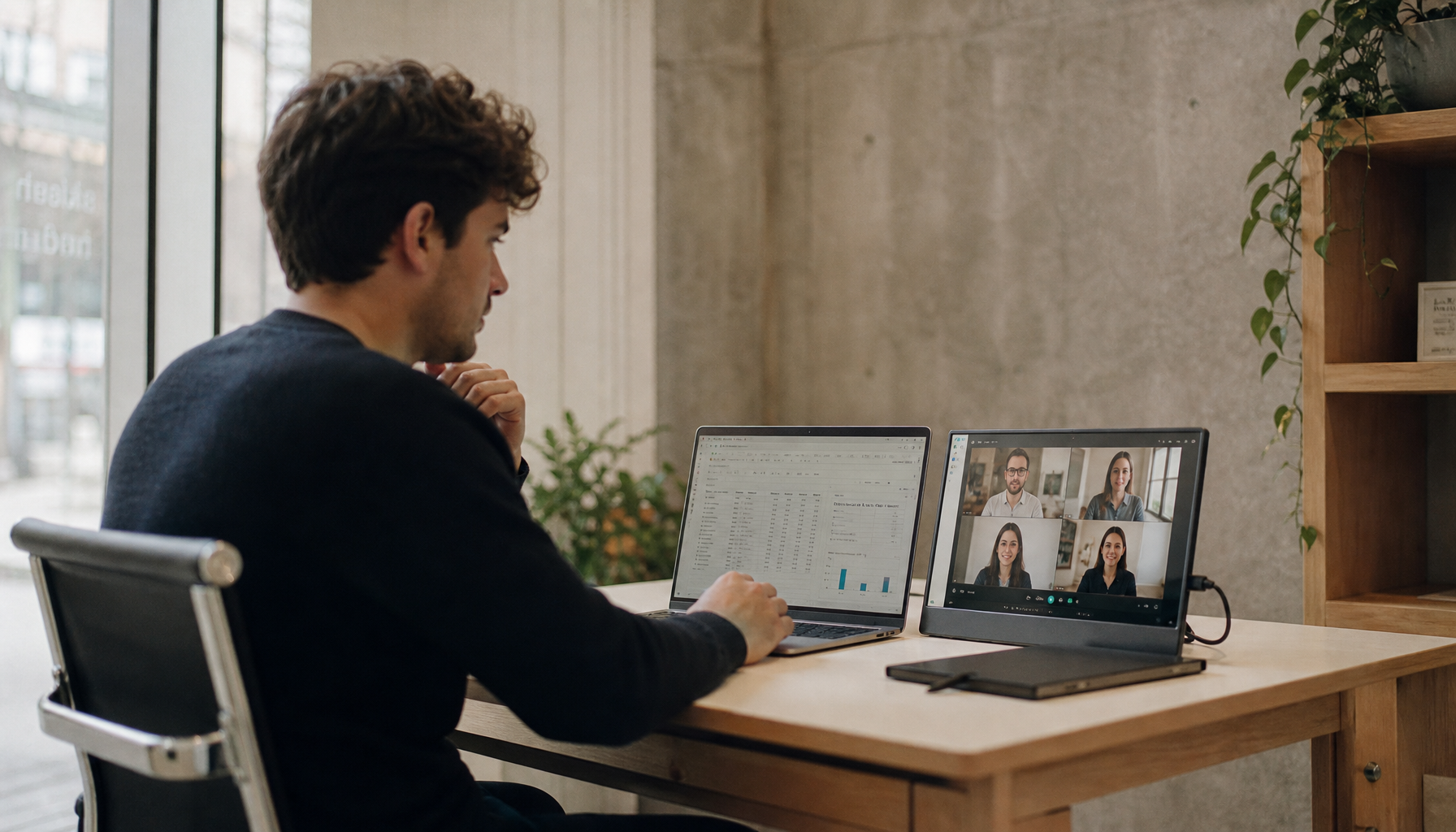
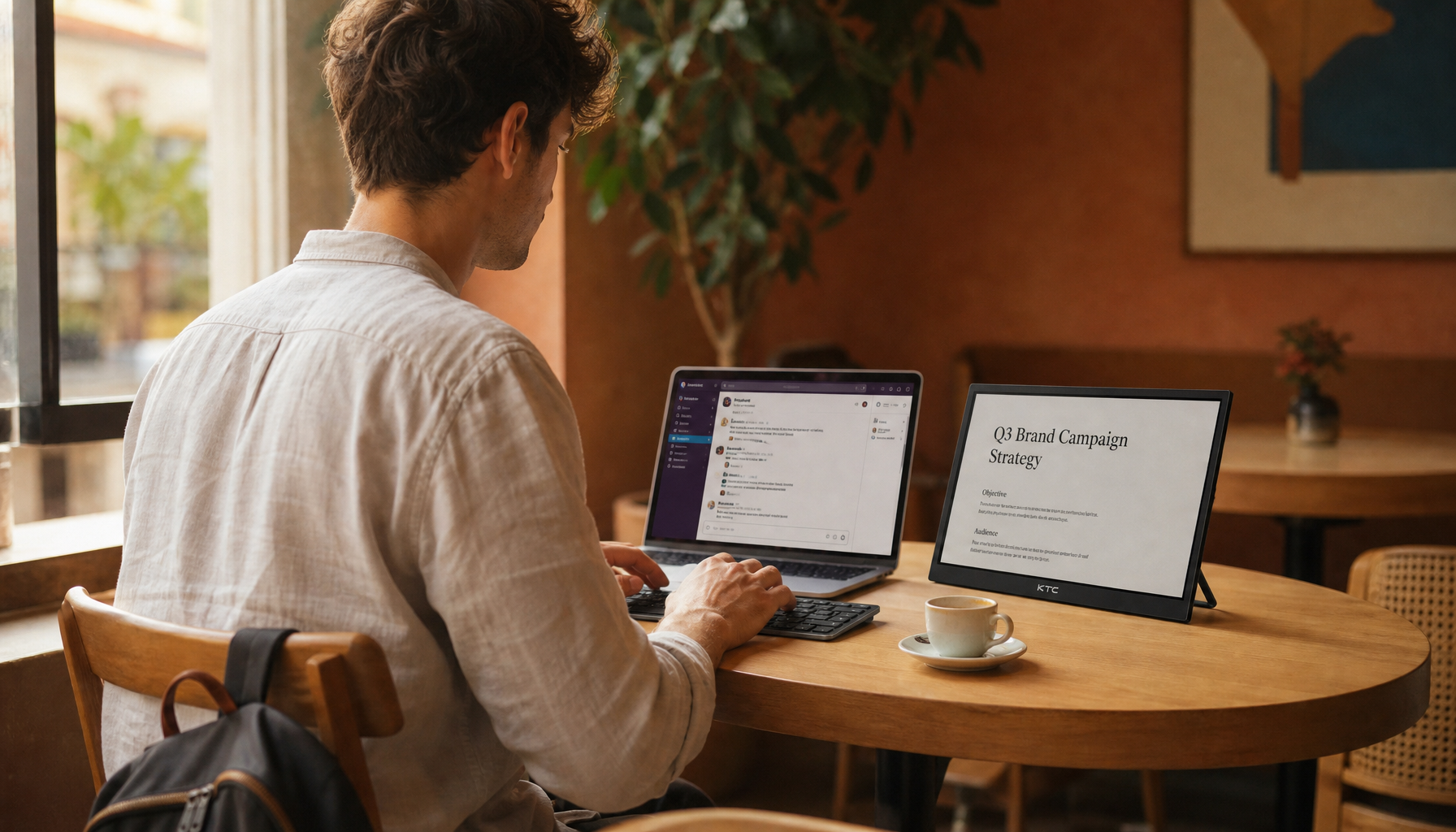
In 2026, many urban micro-apartments measure just 320 to 400 square feet, making the traditional one-screen-per-room approach wasteful of both floor space and wall real estate. A single rolling 32-inch 4K smart display like the MegPad can serve as an ergonomic work monitor by day, a hands-free kitchen assistant in the evening, and a mobile cinema screen at night, but only if you plan the floor paths, power strategy, and transition steps carefully rather than expecting seamless teleportation.

The Micro-Apartment Dilemma: Why the "One Screen Per Room" Model is Failing
Urban living trends show that micro-apartments in high-cost cities such as New York and London commonly range from 320 to 400 square feet, while some Tokyo units shrink to around 107 square feet. (Apartment size - how much space is enough?) A fixed television or dedicated monitor quickly consumes valuable permanent space for its stand, cables, and wall clearance. In a 400-square-foot studio with one shared living area, this forces constant compromises between a productive desk setup, safe kitchen visibility, and comfortable bedroom viewing.
The MegPad strategy replaces multiple static devices with one rolling smart display. Its 4-way adjustable stand with wheels and 9500mAh battery lets you reposition the screen without permanent mounts or extra furniture. This reclaims floor area but requires deliberate planning of clear pathways, outlet locations, and mode transitions rather than plug-and-play convenience.
Daytime Work Mode: The 4K Ergonomic Desk Setup
For professional work, the top of the monitor should sit at or slightly below eye level to reduce neck strain, with a viewing distance of roughly 20 to 40 inches, or about an arm's length. (Ergonomic Tips & Posture | Stanford Redwood City) The MegPad's height-adjustable rolling stand can achieve this range, but you must verify that the base clears your desk chair legs and that the screen can sit close enough without the wheels hitting furniture.
Connecting a laptop via USB-C or HDMI delivers a spacious 32-inch 4K canvas ideal for spreadsheets, video calls, and multitasking. However, expect occasional input-switching friction when moving between native Android apps and external laptop signals. For streamlined USB-C connectivity that reduces cable clutter in small desks, see our guide on How a USB-C Monitor Can Streamline Your Workspace. Those prioritizing neck comfort and posture should also review Home Office Setup Guide: How to Choose the Right Ergonomic Monitor.
This mode works best when your desk offers at least 24 inches of depth and a clear 20-inch-wide floor path for the base. If your chair legs or rug edges block easy positioning, the ergonomic distance becomes difficult to maintain and the setup loses much of its advantage.
The Kitchen Assistant: Hands-Free Recipes and Timers
Smart displays can serve as practical kitchen hubs for step-by-step recipe apps, timers, and voice commands, provided you keep them away from direct steam and heat. (Best Smart Displays of 2026: Home Control at a Touch) The MegPad runs native Google EDLA Android 13, giving instant access to recipe videos and smart-home controls without extra devices.
Its peak brightness hovers around 200-300 nits, so place it to avoid strong window glare during daylight cooking. Maintain at least three feet of clearance from stovetops or sinks, since the unit carries no IP rating for moisture. The rolling base makes it easy to move from desk to counter, yet the same base diameter that aids mobility can feel bulky in tight galley kitchens with limited counter depth.
The Bedroom Cinema: Mobile Entertainment Without the Bulk
Rolling the display to the foot of the bed creates an instant cinema setup without drilling into rental walls or sacrificing floor space to a permanent television. For a 32-inch screen, a viewing distance of roughly three to four feet provides good immersion without forcing excessive eye movement, though this remains a community heuristic rather than a strict rule. A remote becomes essential here because the touchscreen sits out of comfortable reach.
The 9500mAh battery typically supports three to four hours of high-brightness playback, enough for most movies when the room is darkened. After that, it needs recharging, so treat the battery as convenient temporary freedom rather than a full-day wireless solution. For related inspiration on flexible home entertainment, explore One Screen for the Whole House: Why MegPad Is the Perfect Christmas Gift.
This mode shines in compact bedrooms where wall mounting is impractical, but high-pile rugs or cluttered floor paths can make rolling the unit frustrating.
Understanding the Trade-offs: Is a Mobile Display Right for You?
A rolling smart display trades dedicated-device perfection for versatility, and several frictions appear in daily use. Switching between laptop work and native Android streaming often requires navigating the on-screen display menu, which lacks a simple “last used” memory and can feel clunky. Apple Silicon Mac users frequently encounter USB-C “no signal” errors on wake, needing a cable replug or restart to restore the picture.
The rolling base performs best on hard floors or low-pile rugs; thicker carpets create a “caster tax” where the top-heavy panel risks tipping or sticking. In a 400-square-foot unit, scarce outlets often anchor the screen to one charging corner, turning advertised mobility into a daily chore of cable management. Touch controls lose value at cinema distances, forcing reliance on the remote or phone app and breaking the tablet-like illusion.
These realities make the MegPad a poor fit if you demand flawless one-cable docking, bright daylight viewing, or zero setup effort. It suits users willing to measure pathways and accept occasional mode-switching steps.
MegPad Setup Friction by Mode and Constraint
Use this as a decision aid for a 400 sq-ft micro-apartment: work mode is the most tethered, cinema mode needs the longest viewing distance and the clearest path, and kitchen mode sits between them. The chart highlights relative setup friction under typical room constraints, not exact performance benchmarks.
View chart data
| Scenario | Viewing distance | Brightness / room light | Battery runtime | Floor path clearance | Transition friction |
|---|---|---|---|---|---|
| Work mode | 3.0 | 2.0 | 2.0 | 2.0 | 3.0 |
| Kitchen mode | 2.0 | 3.0 | 2.0 | 3.0 | 3.0 |
| Cinema mode | 3.0 | 2.0 | 3.0 | 3.0 | 3.0 |

The "32-Inch Mobile" Safety & Setup Audit
Before purchasing, measure your actual living space to confirm the setup remains practical. Verify a clear 20-inch-wide pathway between your desk, kitchen counter, and bed so the rolling base can move without obstruction. Check that the base diameter clears your desk chair legs and fits under furniture when you need the screen at ergonomic distances of 20 to 30 inches.
Confirm the stand offers enough vertical travel to reach eye level over a standard 29-inch desk and rise high enough for a 36-inch kitchen counter. Identify grounded outlets near your primary zones because the device will spend most of its workday tethered for reliable power. Finally, test the tilt stability: the screen should tilt 20 degrees for comfortable bed viewing without the base lifting or becoming top-heavy.
If your apartment has high-pile carpets, narrow doorways, or only one accessible outlet, a fixed smart monitor or smaller portable display may prove less frustrating. The MegPad rewards users who treat it as a station-based tool rather than a magical all-in-one appliance.
Frequently Asked Questions
How much floor space does a rolling 32-inch smart display actually need to move between zones?
In a 400-square-foot studio you need at least a 20-inch-wide clear path and about 24 inches of depth at each station. The base diameter and wheel turning radius add roughly 18 to 22 inches of extra clearance compared with a traditional monitor stand. Measure your tightest corner or rug edge before buying.
Can the MegPad battery really run all evening without being plugged in?
The 9500mAh battery typically delivers three to four hours at high brightness suitable for a movie. For longer kitchen or work sessions it must stay tethered. Treat the battery as useful temporary freedom rather than a full cordless workday solution.
Is the 32-inch 4K MegPad bright enough for a sunlit kitchen window?
Peak brightness around 200-300 nits works well in controlled or evening light but struggles against direct daylight glare. Position the screen to face away from strong windows or use curtains during daytime cooking.
What should I check first when buying a mobile smart display for a micro-apartment?
Start with your floor plan: confirm clear pathways, base clearance around chair legs, and outlet locations. Next verify the stand’s height and tilt range match your desk, counter, and bed heights. Only then consider panel specs.
Does the MegPad replace a dedicated 4K TV for bedroom streaming?
It can serve as a convenient mobile alternative in small rooms where wall mounting is impossible, delivering solid 4K streaming via native Android apps. However, its lower brightness, modest built-in speakers, and three-to-four-hour battery limit mean it does not fully equal a fixed HDR television in larger or brighter spaces.
Will the touch screen still be useful when the display is rolled to the foot of the bed?
At typical cinema distances of three to four feet the touchscreen sits out of comfortable reach. You will rely on the included remote or a phone app for navigation, so plan on that workflow rather than expecting tablet-style direct interaction.