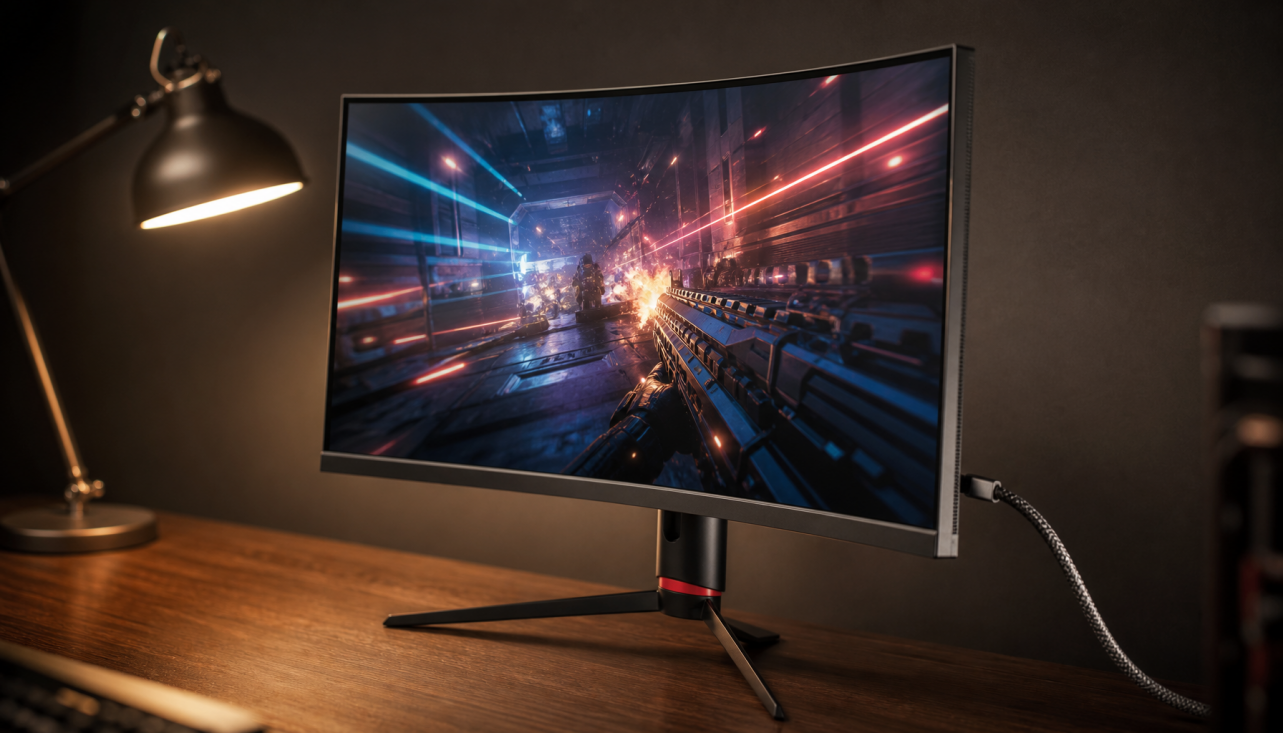
Decoding 0.03ms GTG Response Time: What It Actually Feels Like in Fast-Paced Games
A 0.03ms GTG response time on an OLED gaming monitor delivers near-instant pixel transitions that significantly reduce traditional ghosting and smear during fast motion. This speed assists with cleaner target tracking and minimizes visual artifacts in competitive esports like Valorant or CS2 compared to typical 1ms LCD panels. However, it is important to note that 0.03ms does not remove all motion blur; sample-and-hold persistence blur remains tied to your refresh rate and frame rate. Furthermore, low-FPS content can sometimes appear more stuttery on these panels because there is no transitional masking. Understanding these boundaries helps competitive gamers decide whether to prioritize ultra-fast OLED response time or focus first on high refresh rate and GPU output.

What 0.03ms GTG Actually Measures: Beyond the Marketing Numbers
Gray-to-Gray (GTG) response time measures how quickly a pixel can change from one shade of gray to another. At 0.03ms, this transition happens in a fraction of a single frame even at high refresh rates. This performance is currently the leading edge, found almost exclusively on OLED panels due to their self-emissive design. Unlike LCD panels, which rely on the physical movement of liquid crystals and often require aggressive "overdrive" to approach 1ms, OLED pixels switch states nearly instantaneously.
To avoid falling for cherry-picked marketing claims, look for VESA ClearMR certification. This standard offers a more reliable benchmark by measuring the ratio of clear to blurry pixels in motion. As the VESA ClearMR performance criteria explain, this provides a holistic view of motion clarity that simple GTG numbers cannot capture alone.
The Competitive Framework: Response Time vs. Refresh Rate vs. Input Lag
Perceived responsiveness is a combination of three distinct factors. A 0.03ms GTG monitor can still feel sluggish if the refresh rate is low or the input lag is high. Use the table below to understand how to prioritize your next upgrade:
| Feature | Primary Benefit | Main Limitation | Priority Level |
|---|---|---|---|
| 0.03ms GTG | Minimizes ghosting and "smearing" behind moving objects. | Does not reduce persistence blur (eye-tracking blur). | High for OLED/Competitive Esports |
| High Refresh Rate | Reduces persistence blur and increases overall fluidity. | Requires high GPU power to maintain matching FPS. | Essential for all fast-paced gaming |
| Low Input Lag | Reduces the delay between a mouse click and the screen action. | Does not improve image clarity or sharpness. | Critical for "feel" and reaction time |

For competitive play, a high refresh rate (240Hz or above) is necessary to reduce the persistence blur that GTG alone cannot fix. Even the fastest response time cannot compensate for poor synchronization between your GPU and the display. Pairing 0.03ms technology with variable refresh rate (VRR) helps smooth out frame pacing issues that fast pixels might otherwise highlight.
0.03ms OLED vs. 1ms LCD: Why the Gap Is Bigger Than It Looks
LCD panels must physically rotate liquid crystals, creating inherent delays. Manufacturers often apply aggressive voltage (overdrive) to reach a "1ms" label, which frequently introduces inverse ghosting—bright halos or dark trails behind moving objects. OLED panels achieve 0.03ms GTG natively without these tricks.
As this OLED vs LCD motion blur test demonstrates, OLED technology achieves near-instantaneous response times because pixels are self-emissive. The result is a significantly cleaner image where moving objects appear distinctly defined rather than trailing a fuzzy tail.
The Reality Check: Ghosting vs. Persistence
While 0.03ms GTG effectively minimizes transition artifacts, you will still experience "sample-and-hold" blur. This occurs because your eyes move across a static frame that stays on the screen for the duration of its refresh interval (about 4.17ms at 240Hz).
A crucial trade-off is that because 0.03ms pixels switch so fast, low-frame-rate content (under 100 FPS) can look stuttery. Fast pixel response times can make frame-rate fluctuations more visible because there is no "natural" LCD transition blur to mask the jumps between frames.
Real-World Gaming: Benefit Boundaries by Scenario
The actual "feel" of 0.03ms GTG changes depending on your hardware's output. Here is what to expect across different performance tiers:
- High-End Esports (240Hz+ / 240+ FPS): This is the "sweet spot." You will see the sharpest target outlines during rapid strafes and flick shots. The lack of smear allows for faster micro-adjustments and can reduce eye strain during long sessions.
- Mid-Range Gaming (120Hz - 144Hz / Matching FPS): The improvement over a standard 1ms LCD is still visible, particularly in the lack of inverse ghosting, but persistence blur will still be the dominant factor limiting clarity.
- AAA / Casual Gaming (60Hz - 100Hz): The benefits of 0.03ms are minimal here. In fact, the instant response may make frame pacing inconsistencies or "stutter" more obvious, as the monitor isn't providing any motion smoothing through pixel lag.
Ghosting vs Persistence Blur Trade-off in Gaming Monitors
OLED at 0.03ms GTG nearly removes ghosting artifacts while persistence blur decreases with higher refresh rates. Chart shows typical bounded performance levels from VESA ClearMR guidance and Blur Busters testing. Higher refresh remains essential for overall motion sharpness.
View chart data
| Display Config | Ghosting/Smear | Persistence Blur | Overall Clarity Rating | Best For |
|---|---|---|---|---|
| 60Hz LCD | 8.5 | 9 | Low | Casual viewing |
| 144Hz LCD (1ms) | 4.5 | 6 | Medium | Balanced gaming |
| 240Hz OLED (0.03ms) | 0.5 | 4 | High | Competitive FPS |
| 360Hz OLED (0.03ms) | 0.2 | 2.5 | Elite | Pro esports |
The chart above clarifies how 0.03ms GTG primarily tackles ghosting while refresh rate controls persistence, helping you visualize the scenario split between competitive high-FPS play and more casual mixed-use gaming.
The Trade-offs: Why 0.03ms Requires Precision Engineering
Achieving reliable 0.03ms performance demands high-quality OLED panels and sophisticated firmware to prevent overshoot. VESA certification enforces strict limits on these issues. As the VESA ClearMR FAQ notes, certification ensures that manufacturers do not sacrifice image quality via inverse ghosting just to achieve lower response time numbers.
While OLED prices have become more accessible, the engineering investment pays off in high-clarity gaming only when paired with a system capable of driving the panel to its potential.
Choosing Your Competitive Edge: Is 0.03ms GTG Right for You?
Competitive esports players who maintain high frame rates (240 FPS+) and prioritize motion purity should strongly consider a 0.03ms OLED monitor for its superior tracking and reduced visual noise. Casual gamers on mid-range hardware may find that a high-quality "Fast IPS" panel offers better overall value, especially if their setups frequently dip below 100 FPS.
The Verdict:
- Buy if: You play competitive shooters, have a high-end GPU, and want the clearest possible motion for tracking targets.
- Skip if: You primarily play story-driven games at 60 FPS or your PC cannot consistently push high frame rates.
Our KTC OLED 27" 2K 240Hz/0.03ms USB-C Gaming Monitor | G27P6 serves as an excellent entry point into this performance tier, combining the target response time with strong VESA-rated motion clarity. For broader options, browse the All-OLED Monitor collection or compare against high-speed IPS alternatives in the 240Hz-400Hz Monitors lineup. Additional perspective is available in our related guides: What Is Monitor Ghosting and How Do You Eliminate It?, What Is Pixel Overdrive, and When Does It Create Inverse Ghosting?, and How Important is 1ms GTG for Your FPS Gaming?.
Frequently Asked Questions
Does 0.03ms GTG eliminate motion blur completely?
No. While it drastically reduces ghosting and smear from pixel transitions, persistence blur (caused by how the human eye perceives frames on a screen) remains. You need a higher refresh rate (240Hz+) to minimize this effect.
How noticeable is the difference between 0.03ms and 1ms?
In fast-paced games, most competitive players notice cleaner edges and less visual fatigue. However, the benefits are most apparent at high frame rates; at 60 FPS, the difference is much harder to perceive.
Should I prioritize 0.03ms GTG or a higher refresh rate?
Prioritize a higher refresh rate first. A 240Hz monitor with a 1ms response time will generally offer a smoother experience than a 144Hz monitor with a 0.03ms response time for most gamers.
Can low frame rates look worse on a 0.03ms OLED?
Yes. Because the pixels switch so fast, there is no "blur" to hide the gaps between frames. This can make games running at 60-80 FPS feel more "choppy" or stuttery than they would on a slower LCD panel.
What should I check before buying?
Ensure your GPU can handle high frame rates in your favorite titles. Also, look for VESA ClearMR certification to ensure the monitor's motion clarity has been independently verified.