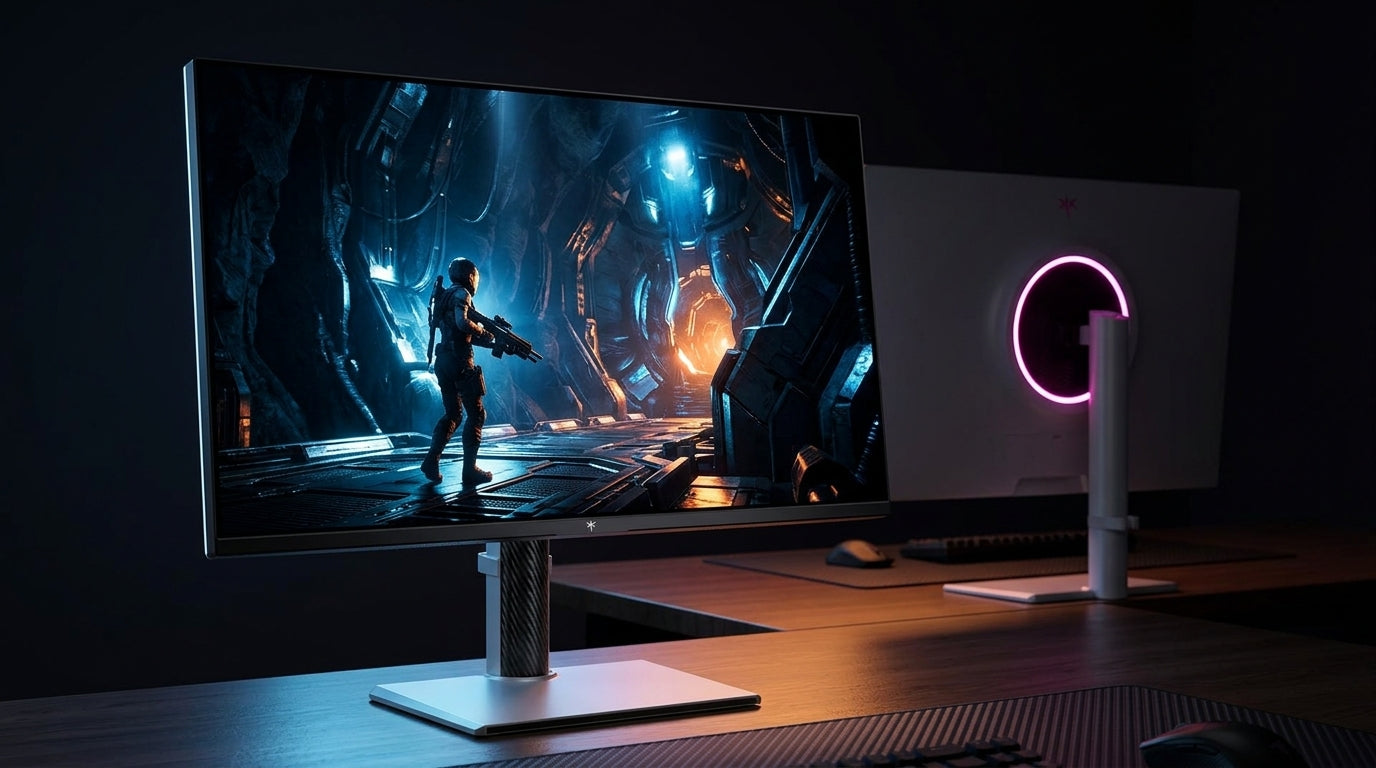
Yes, but only in limited ways: a monitor without full-array local dimming can accept and display HDR, yet it usually cannot deliver the deep contrast, shadow control, and highlight separation that make HDR feel truly premium.
Ever launched an HDR game, watched the sun flare beautifully, then noticed the night sky looked gray instead of black? A practical spec check can prevent that disappointment before you buy: brightness, contrast, color gamut, and dimming behavior tell you far more than the HDR logo on the box. Here is how to judge whether a non-FALD monitor is strong enough for your setup, or whether you should step up to Mini-LED or OLED.
What “True HDR” Actually Requires
HDR is not just a brightness mode. A good HDR display needs enough peak brightness for highlights, enough black-level control for dark scenes, enough color volume to keep saturated colors from washing out, and tone mapping that preserves detail instead of crushing shadows or clipping clouds. Basic HDR10 support only means the monitor can understand HDR metadata; it does not prove the panel can reproduce the image convincingly.
That distinction matters because HDR10 support alone is common even on monitors that lack the hardware to show a dramatic HDR upgrade. In day-to-day testing, this is where many budget “HDR” displays fall apart: they switch a computer or console into HDR mode, but the image looks dimmer, flatter, or only slightly brighter than SDR.
A simple real-world test is a dark cave with a torch, a city skyline at night, or a space scene. If the bright object pops while nearby black areas stay convincingly dark, the HDR system is working. If the entire screen lifts into gray, the display is mostly showing an HDR signal through SDR-grade contrast hardware.

Why Full-Array Local Dimming Matters
Full-array local dimming, or FALD, places backlight zones behind the LCD panel so bright and dark parts of the image can be controlled separately. Without it, an LCD monitor usually has to raise the backlight for the whole screen or large edge-lit areas, which makes blacks glow when highlights appear.
For HDR, that is a serious limitation. Local dimming can improve HDR quality because it lets highlights get brighter while darker regions stay darker. On a monitor without FALD, a 1,000-nit flash can still look intense, but the surrounding image may lose depth.
This is why Mini-LED monitors changed HDR expectations. Mini-LED is still LCD technology, but it uses a denser backlight system with many small LEDs and local dimming zones, raising HDR impact while avoiding the permanent image-retention concerns that some buyers associate with OLED.

Can Non-FALD HDR Still Look Good?
A non-FALD monitor can look good with HDR in bright scenes. Racing games at noon, colorful platformers, sports broadcasts, and productivity-adjacent media previews can benefit from higher peak brightness and wider color. If the content is mostly bright, black-level weakness is less obvious.
The problem shows up in mixed contrast. A bright moon over a dark landscape, a muzzle flash in a shadowed hallway, or white subtitles over black bars will expose the limits quickly. The monitor may show the highlight, but it cannot keep the background dark enough to create convincing dynamic range.
There is one important exception: OLED does not need FALD because every pixel controls its own light. That means an OLED monitor can deliver excellent HDR contrast without a full-array backlight at all. OLED monitors are recommended for premium HDR contrast because individual pixels can switch off completely, producing very deep blacks. So the real question is not whether a monitor has FALD, but whether it has per-pixel light control or strong local dimming.

Brightness Without Dimming Is Only Half the Story
Peak brightness sells monitors, but it can mislead. A 1,000-nit spec is meaningful only when the display can place that brightness precisely and preserve detail. Without good tone mapping, bright highlights may clip into flat white. Without black control, the extra light can make dark scenes look worse.
For practical shopping, treat 400 nits as entry-level HDR signal support, 600 nits as a more credible baseline, and 1,000 nits or higher as the zone where HDR can become genuinely impactful if contrast and dimming keep up. A peak brightness of at least 600 nits is a useful target for a meaningful HDR experience, while stronger HDR monitors often pair higher brightness with OLED, Mini-LED, or serious local dimming.
Use this quick buying lens when comparing spec sheets and in-store demos:
Display type |
HDR strength |
Main weakness |
Best fit |
Edge-lit LCD without FALD |
Can show HDR signal and bright scenes |
Weak blacks and gray dark scenes |
Office-first users who only watch occasional HDR |
IPS without FALD |
Good color and viewing angles |
Low native contrast |
Mixed work and light HDR gaming |
VA without FALD |
Better native contrast than IPS |
Slower pixel transitions on some models |
Movie watching and slower immersive games |
Mini-LED with FALD |
Strong brightness and improved contrast |
Blooming can appear around bright objects |
HDR gaming, bright rooms, productivity |
Pixel-level blacks and no backlight bloom |
Full-screen brightness limits and burn-in considerations |
Dark-room HDR, cinematic games, media |
Gaming: When HDR Matters Less Than Refresh Rate
For competitive gaming, HDR is rarely the first priority. Refresh rate, response time, input lag, and frame consistency usually affect performance more. A 240Hz display can feel more responsive than a 144Hz model when the PC can actually feed it enough frames, and higher refresh rates reduce motion blur, tearing, perceived lag, and eye strain during fast play.
That does not mean HDR is irrelevant for games. It is powerful in single-player titles with fire, neon, sunlight, snow, explosions, and deep interiors. It can also improve visibility when a game’s HDR calibration is well implemented. But if you play esports titles at low graphics settings, a mediocre HDR mode should not pull budget away from refresh rate, adaptive sync, and pixel response.
A practical example is a 27-inch 1440p setup. If your GPU drives 180 FPS in shooters, a high-refresh SDR or basic HDR monitor may serve you better than a slow HDR-focused panel. If you play cinematic RPGs at 4K, Mini-LED or OLED HDR becomes much more valuable.
Office Work and Desktop HDR Reality
For office productivity, HDR is often more hassle than benefit. Spreadsheets, email, browser apps, code editors, and dashboards are mostly SDR. Running HDR all day can make desktop brightness feel inconsistent, and some monitors show blooming around white cursors or text on dark backgrounds.

That is why an office-first buyer should value SDR accuracy, text clarity, ergonomics, USB-C, low flicker, and brightness stability before HDR branding. HDR is less important for basic office work, email, spreadsheets, web browsing, and budget monitor buying. For hybrid work and gaming, the best setup is often SDR for desktop use and HDR only for supported games or video.
If your monitor has a weak HDR mode, do not force it. A well-calibrated SDR image can look cleaner and more consistent than poor HDR. For creators, keep a reliable SDR mode for web and office work, then use HDR only when the display, software, and output target justify it.
How to Decide Before You Buy
Start with the panel’s actual contrast system. If it is an LCD monitor with no FALD, expect limited HDR. If it is Mini-LED, check zone count, blooming behavior, sustained brightness, and reviews that test dark scenes. If it is OLED or QD-OLED, focus on brightness behavior, text rendering, warranty terms, and static-image risk.
Then check brightness and color. A credible HDR monitor should have strong peak brightness, wide color gamut, and clean tone mapping. At least 90% DCI-P3 is a sensible target for vivid film and gaming visuals, while photographers and designers may care more about wide-gamut coverage and calibration controls.
Finally, match HDR expectations to the room. In a bright office, Mini-LED’s sustained brightness can be more useful than OLED’s perfect blacks. In a dark gaming room, OLED’s pixel-level contrast can feel more cinematic even if small highlight numbers do not tell the whole story.
Verdict
A monitor without full-array local dimming can deliver HDR compatibility, occasional highlight punch, and better color than SDR when the panel is strong. It usually cannot deliver true high-impact HDR on an LCD because it lacks the backlight control needed for deep blacks beside bright highlights.
For value-first buyers, 400-nit certification or basic HDR10 should be treated as a bonus, not a reason to buy. For immersive gaming, movie watching, and visual creation, choose OLED, QD-OLED, or a well-reviewed Mini-LED monitor with real local dimming. The best HDR display is not the one with the biggest logo; it is the one that controls light precisely enough to make the scene feel alive.