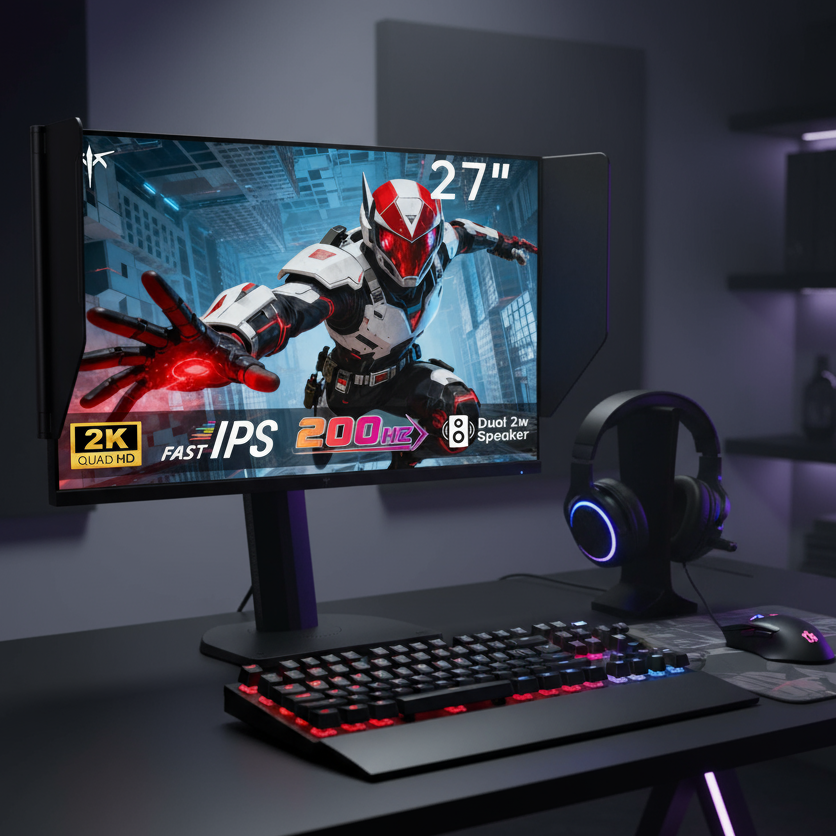


Mini LED zone count matters because each dimming zone controls a block of pixels, not every pixel individually. In dark movie scenes, more zones usually mean tighter light control, smaller halos, and less visible blooming around bright objects.
Why Blooming Happens in Dark Scenes
Blooming appears when a bright highlight, such as a moon, subtitle, torch, or spaceship, forces a local dimming zone to light up nearby dark pixels. Full-array local dimming can improve contrast dramatically, but the halo effect becomes easier to spot when a small bright object sits on a black background.
That is why dark movies are the real stress test. A monitor can look punchy in daylight scenes yet reveal glowing edges during star fields, end credits, or letterboxed widescreen content.

More Zones Mean Smaller Light Blocks
Think of dimming zones as backlight pixels. A 384-zone Mini LED display has much finer control than a 96-zone edge-lit or basic FALD screen, but it still cannot match pixel-level dimming.

A simple way to judge it: if a 27-inch 16:9 screen has 576 zones, each zone covers a visibly smaller area than it would on a lower-zone model, while a 1,152-zone model has even tighter control. That does not erase blooming, but it reduces how far unwanted light spreads around bright details.
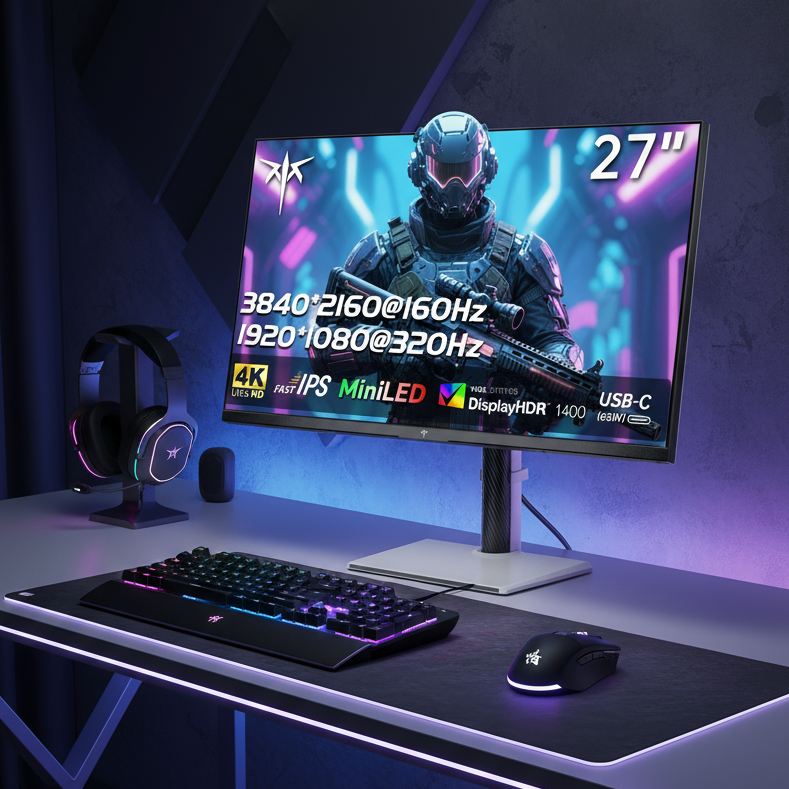
Mini LED’s core advantage is that it uses many small LEDs behind the panel, allowing more precise local dimming than older backlights.
Zone Count Is Not the Whole Story
A higher zone count helps, but the dimming algorithm decides how aggressively the screen reacts. Some displays preserve highlight brightness and accept more blooming; others dim the highlight to protect black levels.
Panel type also matters. VA panels usually have stronger native contrast than IPS panels, so blooming can look less washed out before local dimming starts. IPS Mini LED monitors can still be excellent for gaming and productivity, but halos may be more obvious from off-center viewing angles.

Two monitors with the same zone count can look very different because backlight speed, LCD contrast, firmware tuning, and peak brightness all shape blooming visibility.
What Zone Count Should You Target?
For immersive movie watching, avoid judging by “Mini LED” branding alone. Zone count gives you a better first filter, especially if you watch HDR films in a dim room.
Quick buying targets:
- Under 300 zones: usable, but blooming is easier to notice in dark scenes.
- 500–1,000 zones: strong value range for mixed gaming, work, and movies.
- 1,000+ zones: better HDR control, especially for subtitles and star fields.
- Pixel-level dimming alternative: best black control, but with different brightness and burn-in tradeoffs.

Some Mini LED discussions note that blooming can still appear even on advanced sets because zones remain larger than individual pixels; the real win is reducing its size and intensity, not eliminating it completely.
Bottom Line for Movie Lovers
If dark-scene performance matters, choose the highest practical zone count your budget allows, then check reviews for real HDR blooming behavior. For a performance-driven setup, a well-tuned 1,000+ zone Mini LED monitor is the sweet spot for bright HDR impact, deep blacks, and strong all-around reliability across movies, games, and productivity.