

Refresh rate in Hz measures how many times per second a monitor can update the image on screen. On a 144Hz monitor, that means up to 144 display updates every second.
If you have ever looked at two monitors side by side and wondered why one feels cleaner during scrolling, aiming, or window dragging, refresh rate is usually a big part of the answer. The difference becomes especially obvious on gaming monitors, ultrawide displays, and portable monitors where motion handling can make a setup feel either sharp and responsive or slightly behind your input. This guide will show what Hz really measures, what it does not measure, and how to choose the right refresh rate without overpaying.
What Hz Measures on a Monitor
Display updates per second
A monitor refresh rate is the number of times per second the display shows a new image, and Hertz is simply the unit for “per second.” A 60Hz office monitor updates the screen 60 times each second, while a 240Hz gaming monitor can update it 240 times in that same second.

That specification matters because the monitor is the last step in the chain. Your PC, console, or laptop sends frames to the display, but the panel can only present new visual information as often as its refresh cycle allows. On a high-refresh-rate display, motion usually looks smoother because less time passes between visible updates.
Why monitor brands emphasize Hz
Monitor makers highlight refresh rate because it is easy to understand and it directly affects the feel of motion. A brand describes 60Hz as fine for browsing and office work, while 144Hz, 240Hz, and higher tiers are aimed at gaming and faster-moving content on modern monitors.
In practical buying terms, Hz is not a picture-quality metric like color gamut or contrast. It is a timing metric. That is why a 1440p 144Hz gaming monitor and a 4K 60Hz office monitor can both look sharp when still, but feel very different when you scroll a page, track an enemy, or move across a wide ultrawide desktop.
Why Higher Refresh Rate Looks Better
Smoother motion and less perceived blur
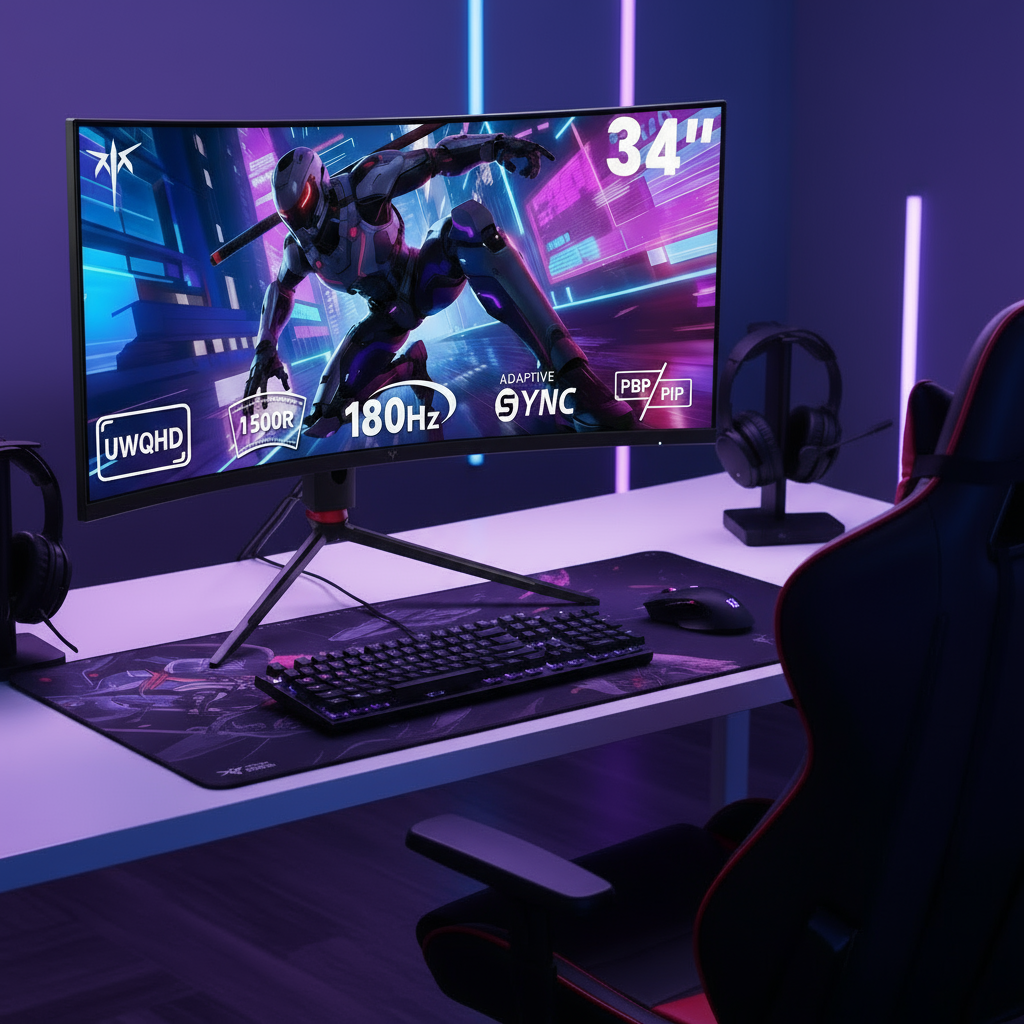
Higher refresh rates are perceived as smoother because the screen updates more often, so motion steps are smaller. That helps with fast camera pans, crosshair tracking, racing games, and even basic desktop use like dragging windows across a 34-inch ultrawide monitor.

The benefit is not just for esports. Some brands place 120Hz to 144Hz in the sweet spot for many users because that range improves motion clarity and responsiveness without the extreme hardware demands of 360Hz or above. For someone moving from 60Hz to 144Hz, the jump is usually obvious in scrolling, cursor movement, and game camera motion.
Lower possible display lag, but not a complete picture
A higher refresh rate can reduce possible input lag, but it does not automatically guarantee a fast monitor. A review website lists minimum tested input lag figures of about 8.33 ms at 60Hz, 4.17 ms at 120Hz, 3.47 ms at 144Hz, 2.09 ms at 240Hz, and 1.39 ms at 360Hz. Those numbers help explain why competitive players chase higher Hz.
Still, refresh rate is only part of motion quality. A monitor with poor pixel response can smear motion even at high Hz, and a panel with strong response tuning can look cleaner at the same refresh rate. When shopping for gaming monitors or portable gaming displays, it is better to treat refresh rate as necessary but not sufficient.
Refresh Rate vs. Frame Rate, Response Time, and Resolution
Refresh rate is not the same as FPS
Refresh rate and frame rate are different. Refresh rate is the monitor’s update capacity, while FPS is how many frames your GPU actually renders. If your graphics card produces 150 FPS but your monitor is 60Hz, the display cannot show all 150 unique frames.
That mismatch is why buyers should not choose a 240Hz or 360Hz monitor in isolation. The better question is whether your PC can feed it. For example, a midrange laptop might handle 1080p at high frame rates on a portable monitor, but the same hardware may struggle to drive a 49-inch ultrawide at high settings and high Hz.
Response time and resolution affect the result
Response time and refresh rate are different. Refresh rate controls how often the screen can update, while response time describes how quickly pixels change between states. A fast refresh rate with slow pixel transitions can still look blurry, especially in shooters or sports games.
Resolution adds another tradeoff. Some brands also note that higher resolutions need stronger hardware, so a 1440p 144Hz monitor is often a balanced choice, while 4K 240Hz is far more demanding. On ultrawide monitors, that tradeoff becomes even more important because the GPU is pushing more pixels than standard 16:9 screens.
Why VRR matters
Variable refresh rate technologies like adaptive-sync technologies help the monitor match its refresh cycle to the frame output coming from the GPU. That reduces tearing and usually feels better than forcing traditional sync, which can add lag or stutter when frame pacing is inconsistent.
This matters most in real-world gaming, where FPS rarely stays perfectly fixed. If your system swings between 85 and 120 FPS on an ultrawide gaming monitor, VRR keeps motion more stable than a fixed-refresh setup. It is also useful on portable monitors connected to handheld PCs, where frame rates often vary from game to game.
How Much Refresh Rate You Really Need
Use case matters more than chasing the highest number
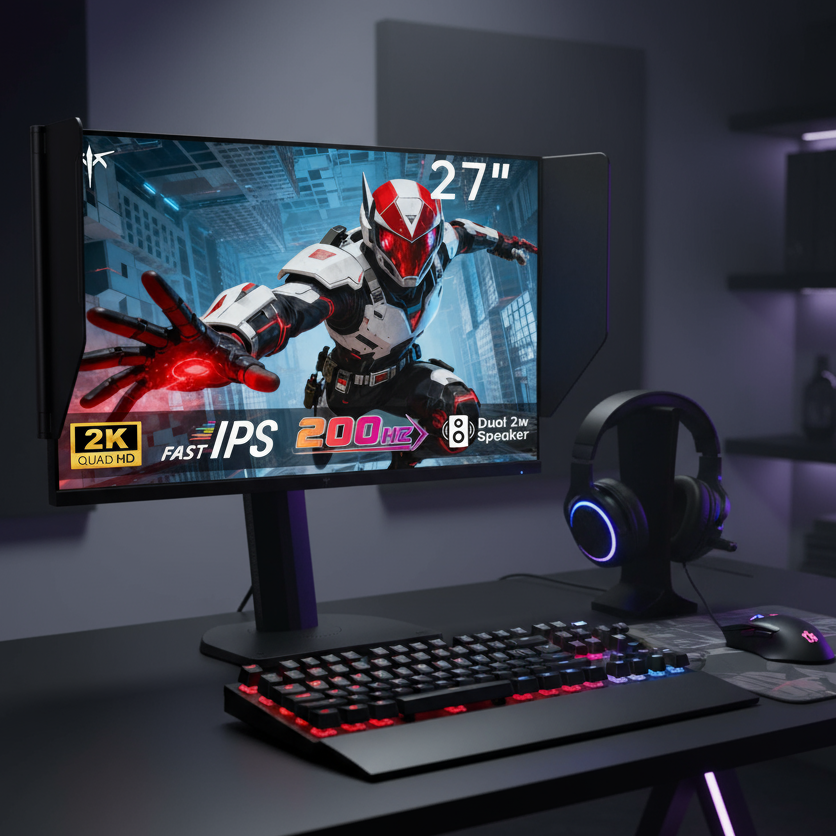
Common refresh-rate tiers already map well to buying decisions. For office work, web browsing, and general productivity, 60Hz is still adequate. For mixed use, 100Hz to 144Hz feels noticeably smoother, and a 27-inch QHD option such as the monitor is a practical example of that step up from 60Hz without moving into gaming-focused 180Hz+ displays. For most gaming monitor buyers, 144Hz to 180Hz is the practical sweet spot. Above that, 240Hz and 360Hz become more specialized.

That pattern also holds across form factors. A portable monitor used mostly for a second screen or travel setup does not need extreme refresh rates. A portable gaming monitor, on the other hand, becomes much more appealing at 120Hz or 144Hz if the connected device can keep up.
Quick buying guide by monitor type
Monitor type or use case |
Recommended refresh rate |
Why it makes sense |
Office monitor |
60Hz to 75Hz |
Fine for documents, email, and standard video |
General-use monitor |
100Hz to 120Hz |
Smoother scrolling and better overall desktop feel |
All-around gaming monitor |
144Hz to 180Hz |
Strong balance of smoothness, cost, and GPU demand |
Competitive gaming monitor |
240Hz to 360Hz |
Better motion tracking and lower possible display lag |
Ultrawide gaming monitor |
144Hz to 165Hz |
Good balance once higher pixel count is considered |
Portable monitor for travel |
60Hz to 75Hz |
Saves cost and matches typical productivity use |
120Hz to 144Hz |
Meaningful upgrade for handhelds and gaming laptops |
The key is matching the monitor to the system behind it. A company recommends pairing refresh rate with the frame rates you actually reach, and another brand similarly positions 144Hz to 200Hz as a strong zone for most gamers rather than treating the highest number as automatically best.
The Tradeoffs Behind High-Refresh Displays
Higher Hz can cost more in more than one way
High-refresh-rate monitors can improve smoothness and responsiveness, but the cost is not just the monitor price. You may also need a faster GPU, a newer cable standard, and lower graphics settings to stay near the panel’s full refresh range.
That becomes more noticeable with ultrawide and high-resolution displays. A 27-inch 1440p monitor at 144Hz is usually easier to drive well than a large ultrawide at the same Hz, because the wider display asks more from the graphics card. In many setups, spending on a better-balanced 144Hz to 165Hz panel makes more sense than stretching for 240Hz and then never reaching it.
Diminishing returns are real
Multiple brands and review sites point in the same direction: the jump from 60Hz to 144Hz is usually dramatic, while the jump from 144Hz to 240Hz is meaningful mainly for faster competitive play, and 360Hz is increasingly niche. A retailer also notes that ultra-high-refresh setups may require very powerful hardware to sustain matching frame rates.
Portable monitors show this clearly. A 144Hz portable gaming display can feel excellent with a gaming laptop or handheld PC, but a thin travel screen used mostly for spreadsheets and video calls gains far less from 240Hz. In other words, the best Hz is the one you can actually use, not the biggest number printed on the box.
FAQ
Q: Does refresh rate measure image quality?
A: No. Refresh rate measures how often the monitor updates the image each second. Sharpness, contrast, color accuracy, and HDR performance come from other parts of the display.
Q: Is 144Hz enough for most gaming monitors?
A: Yes. For most players, 144Hz to 180Hz is the best balance of smooth motion, reasonable hardware demand, and price. Higher tiers like 240Hz or 360Hz make the most sense for serious competitive play.
Q: Should I choose higher Hz or higher resolution on an ultrawide monitor?
A: Usually balance wins. A 1440p ultrawide at 144Hz to 165Hz is often a smarter buy than pushing for extreme refresh rates, because ultrawide resolutions already place a heavier load on the GPU.
Final Takeaway
Refresh rate in Hz measures how many times per second a monitor can update the image, and that matters most when motion, responsiveness, and frame delivery are part of your buying decision. For most monitor shoppers, 60Hz is still acceptable for office work, 120Hz to 144Hz is a strong upgrade for general use and gaming, and 240Hz or more is best reserved for systems and players that can genuinely benefit from it.
When comparing gaming monitors, ultrawide monitors, or portable monitors, do not judge Hz alone. Match refresh rate to your real frame rates, check response-time behavior, prefer VRR support, and keep resolution and connection limits in view before paying extra for a headline number.
References
- Refresh rate - a website
- What Refresh Rate Should You Look for in a Portable Gaming Monitor? - a website
- Highest Refresh Rate Monitor: Do You Need It For Your Usage? - a review website
- Gaming Monitors: How to Choose for Peak Performance? - a brand
- Frames Per Second (FPS) vs Refresh Rate (Hz) - a company
- What is Refresh Rate and Why Does it Matter? - a retailer
- The 5 Best High Refresh Rate Monitors of 2026 - a review website