Choosing between a flat or curved gaming monitor depends on whether you value consistent spatial accuracy for competitive play, reduced eye strain during long sessions, or deeper immersion in story-driven and simulation games.

Understanding the Curve: R-Ratings and Human Vision
The R-rating on a curved monitor indicates the radius of the circle the screen would form if extended into a full arc. A 1000R panel bends more tightly than a 1500R panel, bringing the edges closer to the natural viewing arc of your eyes.
This design aims to keep the distance from your eyes to every part of the screen roughly equal. Flat panels can create a slight stretching sensation at the corners once screen size grows beyond 27 inches, while a gentle curve reduces that effect without introducing noticeable warping for most gaming content.
The Science of Comfort: Why Shape Affects Eye Strain
A study conducted by researchers at the Schepens Eye Research Institute/Harvard Medical School found that participants reported significantly less eyestrain, difficulty focusing, and blurred vision when using curved monitors compared to flat screens during intensive visual search tasks. Curvature helps maintain a more uniform viewing distance, so your eyes do not need to refocus constantly when moving attention from center to edges.

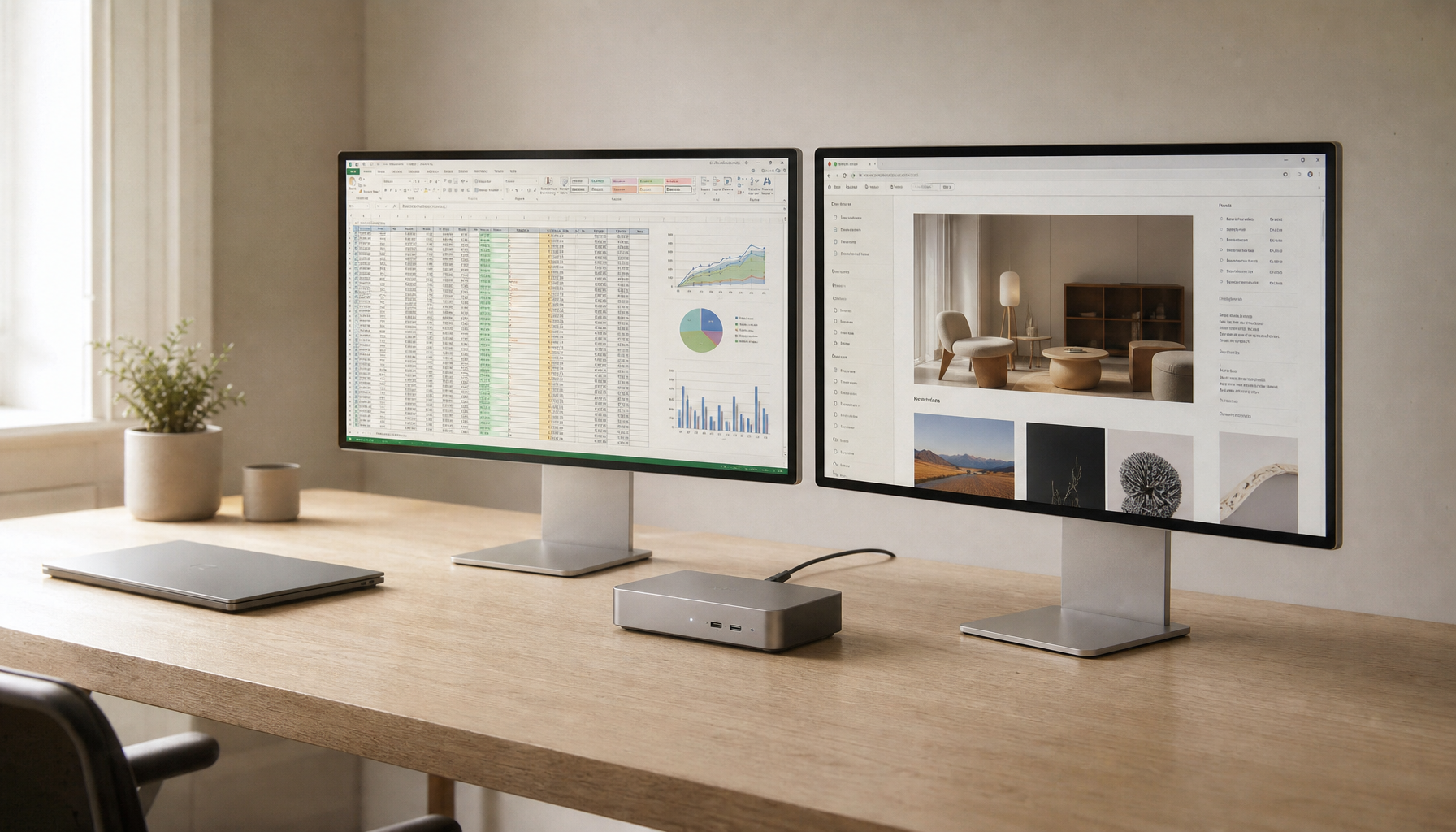
Productivity work that relies on straight lines, such as spreadsheets or CAD drawings, can still show mild geometric distortion on curved panels. As this Harvard Highlights Curved Display Health Benefits explains, the benefit is clearest during extended viewing rather than precision line work.
The Size Threshold: When Does Curvature Actually Matter?
Curvature provides the most noticeable comfort and immersion gains on 27-inch and larger displays. Below that size the edges stay within easy focus on a flat panel, so the added curve brings limited advantage.
Desk depth also matters. Deeper 1000R stands can push the monitor farther back than compact flat models, which matters on smaller desks. KTC's H27S17 uses a moderate 1500R curve that balances immersion with easier placement, while the H32S25E offers a tighter 1000R arc for users who want maximum wrap-around feel on a 32-inch screen.
Curvature Impact on Immersion vs Precision
How radius choices shift the balance between immersive depth and geometric accuracy for gaming and productivity tasks.
Show data table
| Form Factor | Immersion Level (1-10) | Geometric Precision (1-10) |
|---|---|---|
| Flat | 3 | 9 |
| 1500R (27-32 in) | 6 | 7 |
| 1000R (32 in+) | 8 | 5 |
| 1000R Ultrawide | 9 | 4 |
Competitive Visibility vs. Immersive Depth
Flat panels give competitive FPS players a perfectly uniform plane for crosshair placement and spatial tracking. Many professional players choose models like the H27E6 because every pixel represents a consistent distance without subtle geometric shifts.
Curved screens improve depth perception in racing and flight simulators. The wrap-around effect helps players judge distances and peripheral motion more naturally. For mixed-genre gamers, the decision often comes down to whether ranked competitive play or immersive single-player experiences take priority.
Read more about matching monitor shape to game type in our From FPS to RPGs: How to Match Your Monitor to Your Favorite Game guide.
The Technical Reality: Why Shape Dictates Your Panel Type
Curved gaming monitors are almost always paired with VA or HVA panels because the flexible substrate and backlight design are easier to stabilize when bent. This delivers strong contrast and deep blacks, which many players prefer for cinematic games.
Flat high-end HDR models often use IPS panels to maintain precise local dimming zone alignment and faster motion clarity. The trade-off appears most clearly during fast camera movements in competitive titles, where VA smearing can occasionally appear on curved screens while IPS glow is more noticeable on flat panels in dark rooms.
Our IPS vs VA Panels: Which is Right for Your Playing Style? post explains how these panel differences affect real gameplay beyond the shape decision.
Decision Framework: Which Form Factor Fits Your Setup?
Choose flat if you spend several hours daily on spreadsheets, design work with straight lines, or competitive FPS titles where pixel-perfect spatial consistency matters most. Models such as the H27E6 and other flat options in our Flat Monitors collection keep edges straight and motion crisp.
Choose curved when your desk is deep enough and your games emphasize immersion or peripheral awareness. The H32S25E and other curved models in the Curved Monitors collection deliver stronger depth for sim racing and story-driven titles.
Measure your desk depth first, then decide whether the primary use is competitive accuracy or long-session comfort.
Frequently Asked Questions
Does Curvature Reduce Eye Strain for All Users?
Research shows reduced reports of blurred vision and focusing difficulty with curved displays during intensive visual tasks, but results vary by individual eye health and viewing distance. Users with specific vision conditions should test in person when possible.
Can I Use a Curved Monitor for Office Work and Gaming?
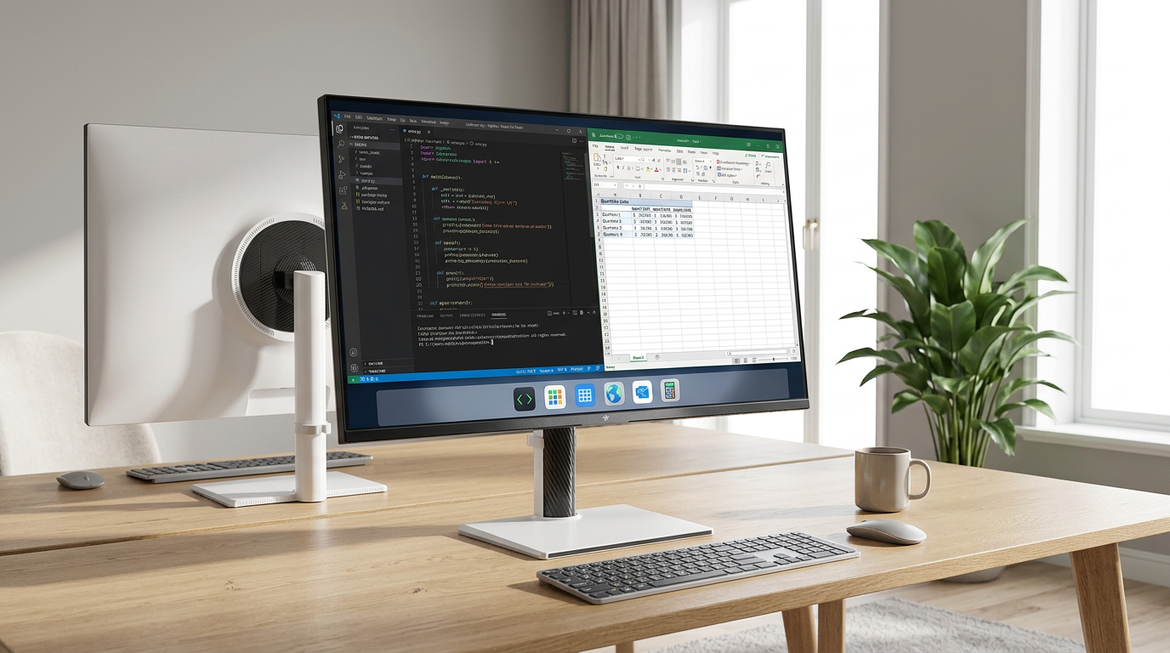
Many people do, yet straight-line productivity tasks can reveal mild geometric distortion on tighter curves. If spreadsheets or design work occupy more than a few hours daily, a flat panel usually feels more natural.
What Desk Depth Works Best With 1000R Monitors?
Tighter 1000R curves often benefit from at least 24-26 inches of desk depth to maintain comfortable viewing distance. Shallower desks may push the monitor too close and reduce the intended ergonomic benefit.
Is Curvature Worth It on 27-Inch Screens?
The comfort gain is modest at 27 inches compared with 32-inch or ultrawide sizes. Many buyers still prefer the 1500R curve on this size for a gentle immersion boost without major trade-offs.
Do Curved Monitors Distort Crosshair Placement in FPS Games?
The geometric shift is small on 1500R panels and often unnoticeable during fast gameplay. Professional players still favor flat panels to eliminate any variable in muscle memory for pixel-precise aiming.